



















how it works
features
Photo SharingAlbumsDigital GuestbookAudio GuestbookSeating ChartShared PlaylistLive SlideshowRSVPRegistry SharingWedding Website
designs
Wedding Website TemplatesQR Code Sign Templates
resources
Made For WeddingsAbout UsBlogAffiliate ProgramVideo TutorialsContact Us
pricing

log in

Try Free Demo

how it works
features
Photo SharingAlbumsDigital GuestbookAudio GuestbookSeating ChartShared PlaylistLive SlideshowRSVPRegistry SharingWedding Website
designs
Wedding Website TemplatesQR Code Sign Templates
resources
Made For WeddingsAbout UsBlogAffiliate ProgramVideo TutorialsContact Us
pricing

log in

Try Free Demo

Trusted by 100,000+ happy couples

Collect Wedding Pictures with One QR Code Your Guests Won't Ignore

Wedibox gives you a QR code for wedding pictures that collects photos, videos, and messages automatically while you're busy getting married.

Create QR Code

See How Wedibox Works

Get My QR Code

‍How It Works

Add Digital Messages, Voicemails

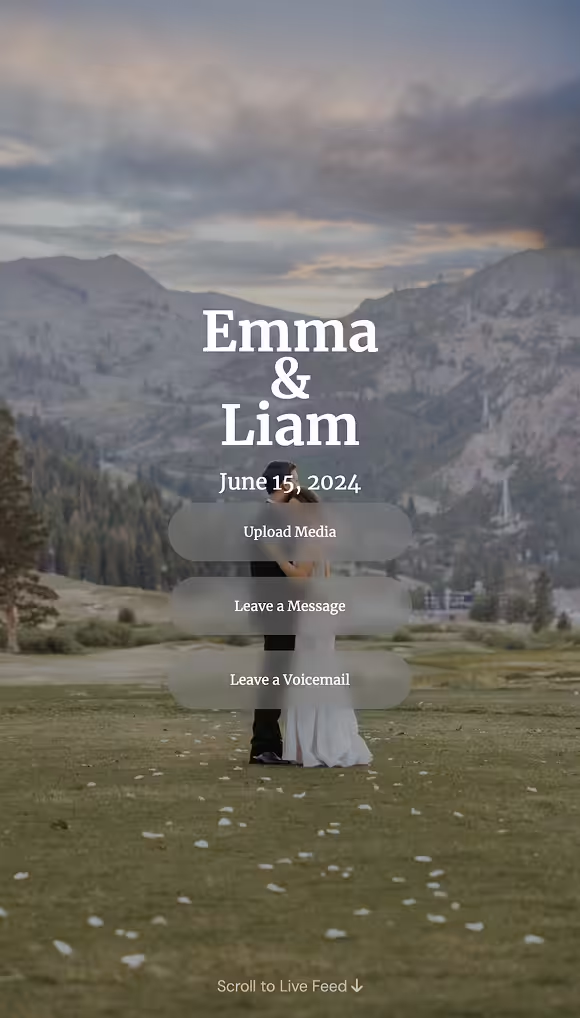
Bride and groom embracing on a grassy field with mountains in the background at dusk, overlaid with wedding details.Bride and groom embracing on a grassy field with mountains in the background at dusk, overlaid with wedding details.

Add Digital Messages, Voicemails

Unlimited Photos  & Videos

Unlimited Photos  & Videos

Photos &  Videos

RSVP

Audio Guestbook

Seating

Digital Guestbook

Registry

The Moments Your Photographer Misses Are the Ones You'll Want Most

Your photographer is capturing the kiss. Your aunt catches the flower girl eating cake under a table. A QR code for wedding pictures collects these special moments. Print one code. Guests scan and contribute. Everything is stored in a shared gallery.

Download Everything the Next Morning

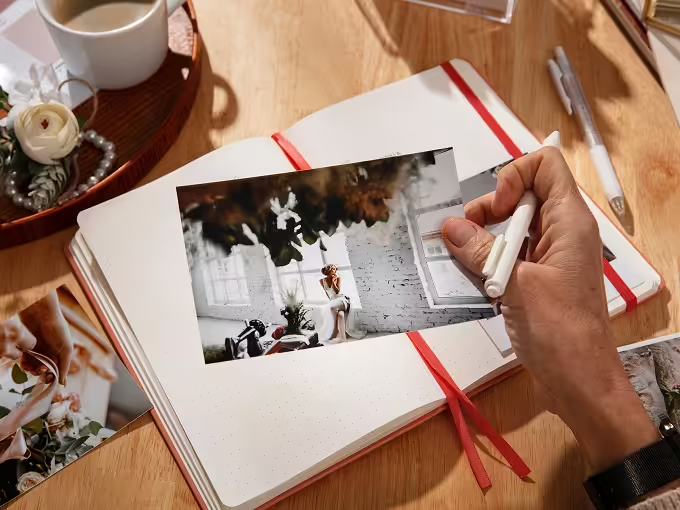
Tap once. Get everything. High resolution, organized by time, ready to relive over coffee while you're still in your hotel robe.

Hand holding a white pen and placing a photo of a woman sitting by a window inside an open notebook on a wooden table with other photos and a cup of coffee.

No Compression or Quality Loss

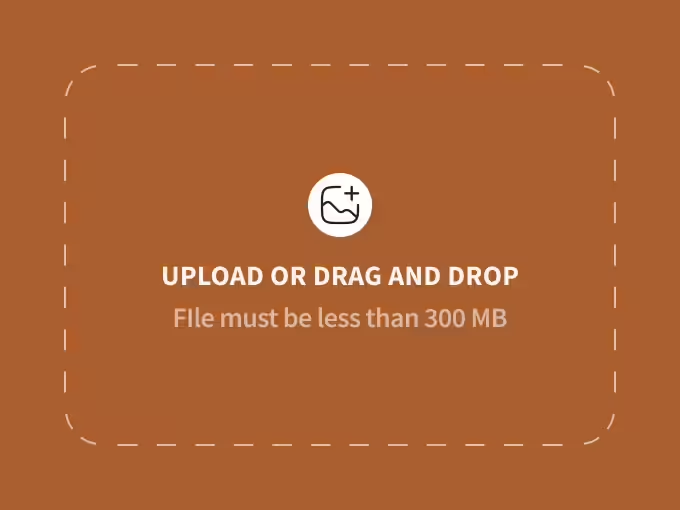
Photos and videos stay crisp and printable, not blurred by group chat compression.

File upload interface with the text 'Upload or drag and drop, file must be less than 300 MB' on a brown background.

Uploads Happen in Seconds

Guests scan. They pick photos from their camera roll and hit upload. The process is so simple that even your uncle who still uses a flip phone can manage it.

Two women dancing joyfully at a party with guests around holding drinks under string lights.

A Live Photo Feed Guests Want to Join

Connect a screen to your gallery and see a live slideshow of photos as guests upload them. The energy shifts and participation becomes contagious.

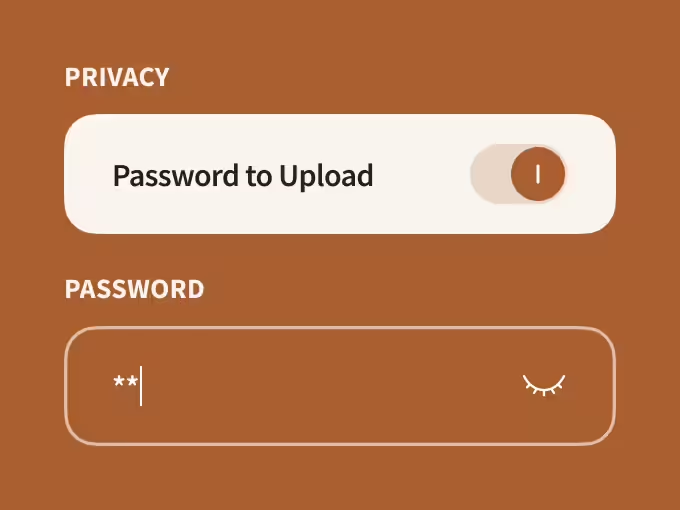
Privacy setting toggle labeled 'Password to Upload' turned on, with a password input field displaying two asterisks and an eye icon to show or hide the password.

Organized Albums for Multi-Day Celebrations

Welcome dinner gets its own album. Rehearsal gets another. Ceremony, reception, brunch, each event stays organized without manual sorting.

Elderly couple sitting closely on a couch, holding hands and smiling with their eyes closed.

Your Grandparents Won't Need Help

Mobile-first interface. Large buttons. Clear instructions in multiple languages. If they can use their phone's camera, they can use Wedibox.

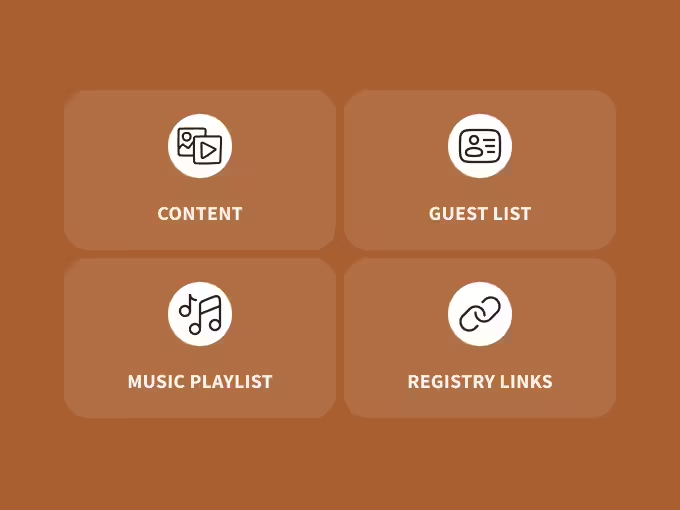
Four brown buttons with white icons and text labeled Content, Guest List, Music Playlist, and Registry Links.

One Code Handles More Than Photos

RSVP forms, seating charts, audio guestbook messages, registry links, and a shared playlist all live behind the same QR code for your wedding pictures.

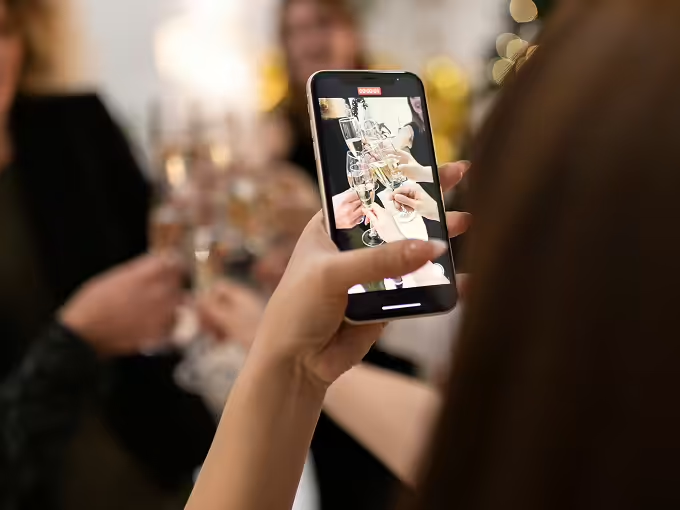
Close-up of a person holding a smartphone capturing a photo of people toasting with champagne glasses at a celebration.
Wedibox is a QR code for wedding pictures that thinks like a memory vault, not a file dump.

4 Steps Between “Where are the photos?” and “There they are.”

Place your QR code where guests naturally gather. They scan and upload throughout the day. You wake up the next morning with a complete visual record of your wedding from hundreds of different perspectives.

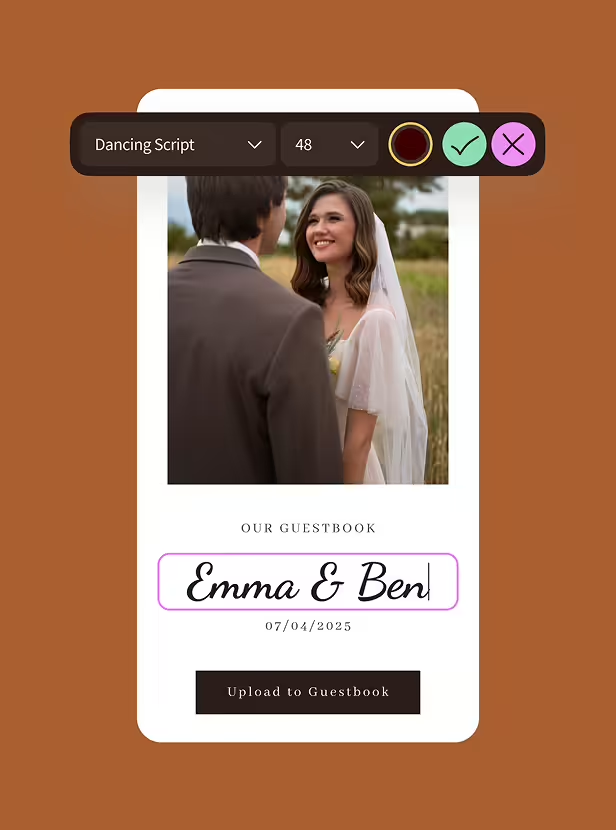
Digital guestbook interface with a photo of a smiling bride and groom, text input labeled 'Emma & Ben', and a date 07/04/2025 with an upload button below.

Build Your Hub in Five Minutes

Pick a template. Add your names, date, and a photo. Customize colors. Your wedding website goes live before you finish your second cup of coffee.

Choose Website TEmplate

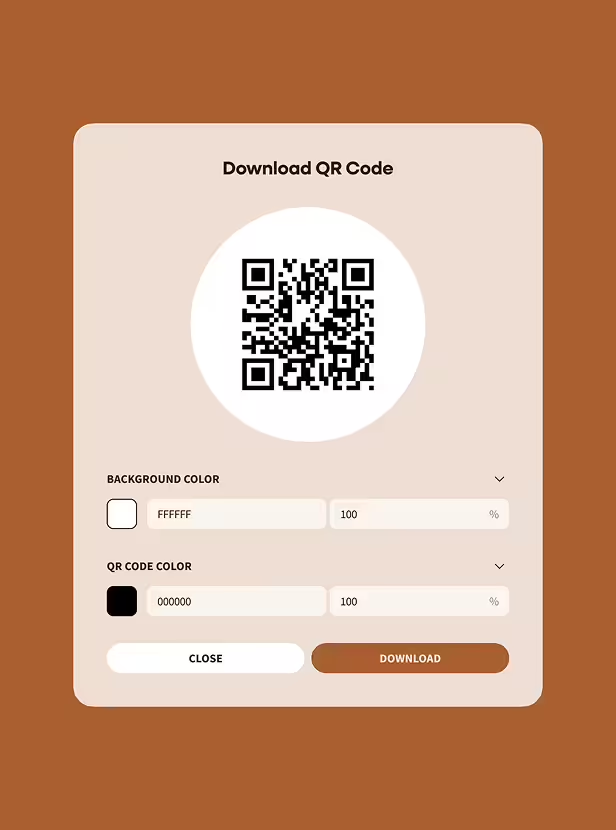
Interface for downloading a QR code with options to customize background color and QR code color, featuring close and download buttons.

Print Your QR Code Everywhere

We generate a scannable code and a short URL. Print the QR on table signs, programs, bar menus. Drop the URL in group chats for remote guests who want to contribute but couldn't attend.

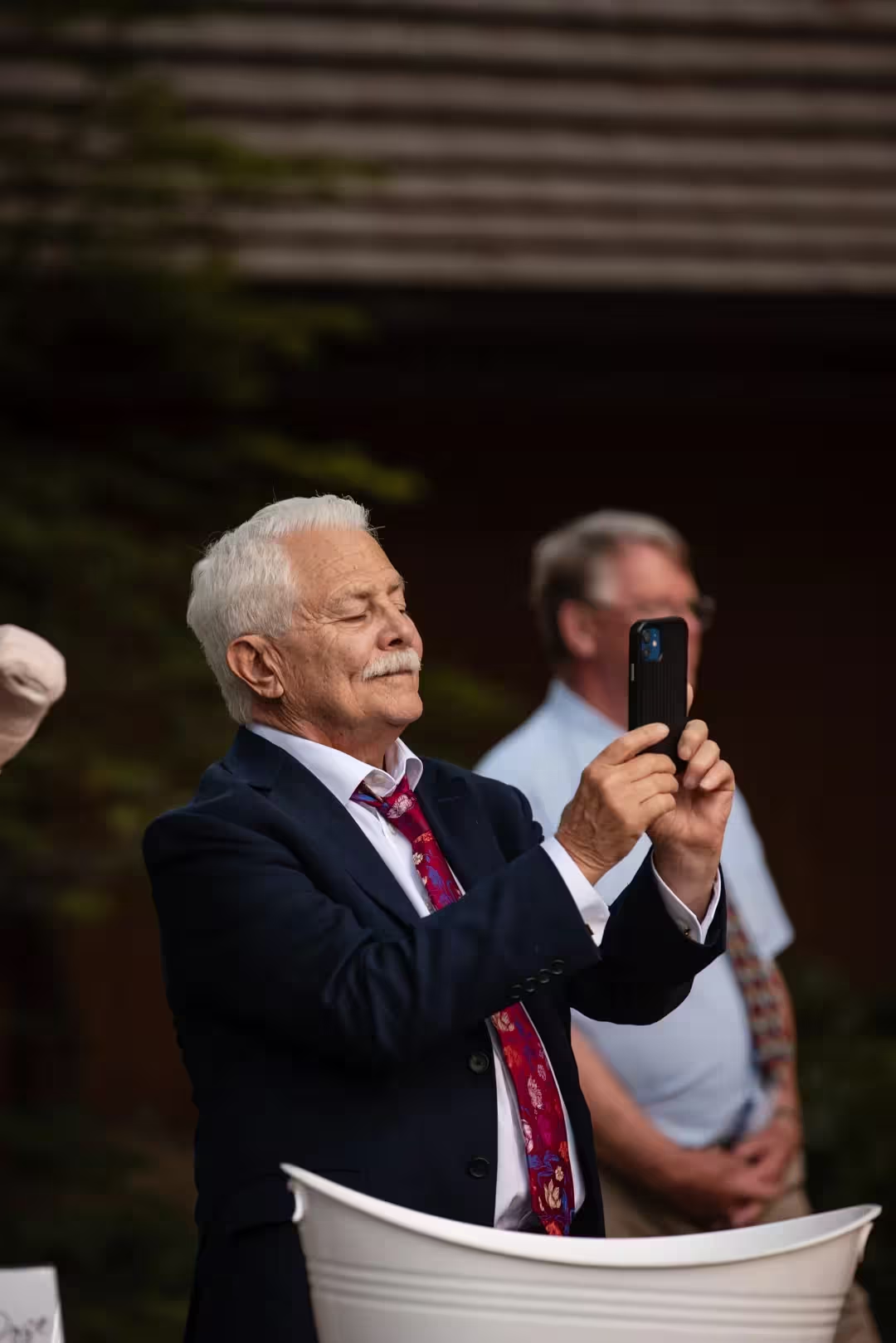
Elderly man in suit and red tie taking a photo with a smartphone at an outdoor event.

Guests Scan Without Being Told Twice

Open camera. Point at code. Tap notification. Upload photos. The experience is so intuitive that guests figure it out without instructions, announcements, or your coordinator explaining it.

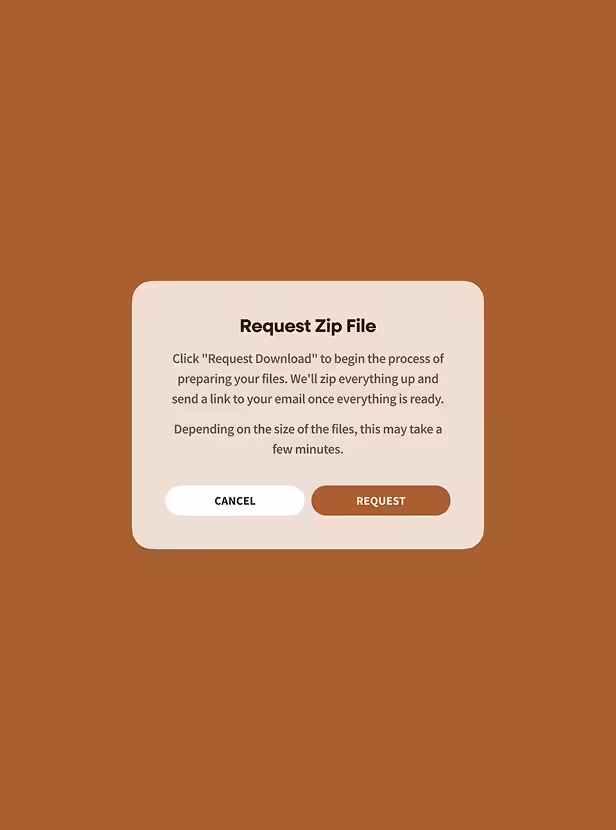
Dialog box titled 'Request Zip File' with instructions to click 'Request Download' to prepare and email zipped files, with 'Cancel' and 'Request' buttons.

Download Everything as One Zip File

Click Download All. Get every photo, video, voice message, and written note in one organized folder. Or keep the gallery live online and share access with family who want to relive the day.

Why Wedding Guest Photo Sharing Became the Smart Move for 2026

Couples are realizing that professional photography captures planned moments beautifully, but guests capture the in-between moments and angles the photographer couldn't see.

QR code photo sharing makes contribution easier than keeping photos to yourself. Guests want to help. They shoot beautiful moments. They need a frictionless way to deliver those files without apps or remembering hashtags they'll misspell.

Wedibox removes every excuse. Scan. Upload. Done.

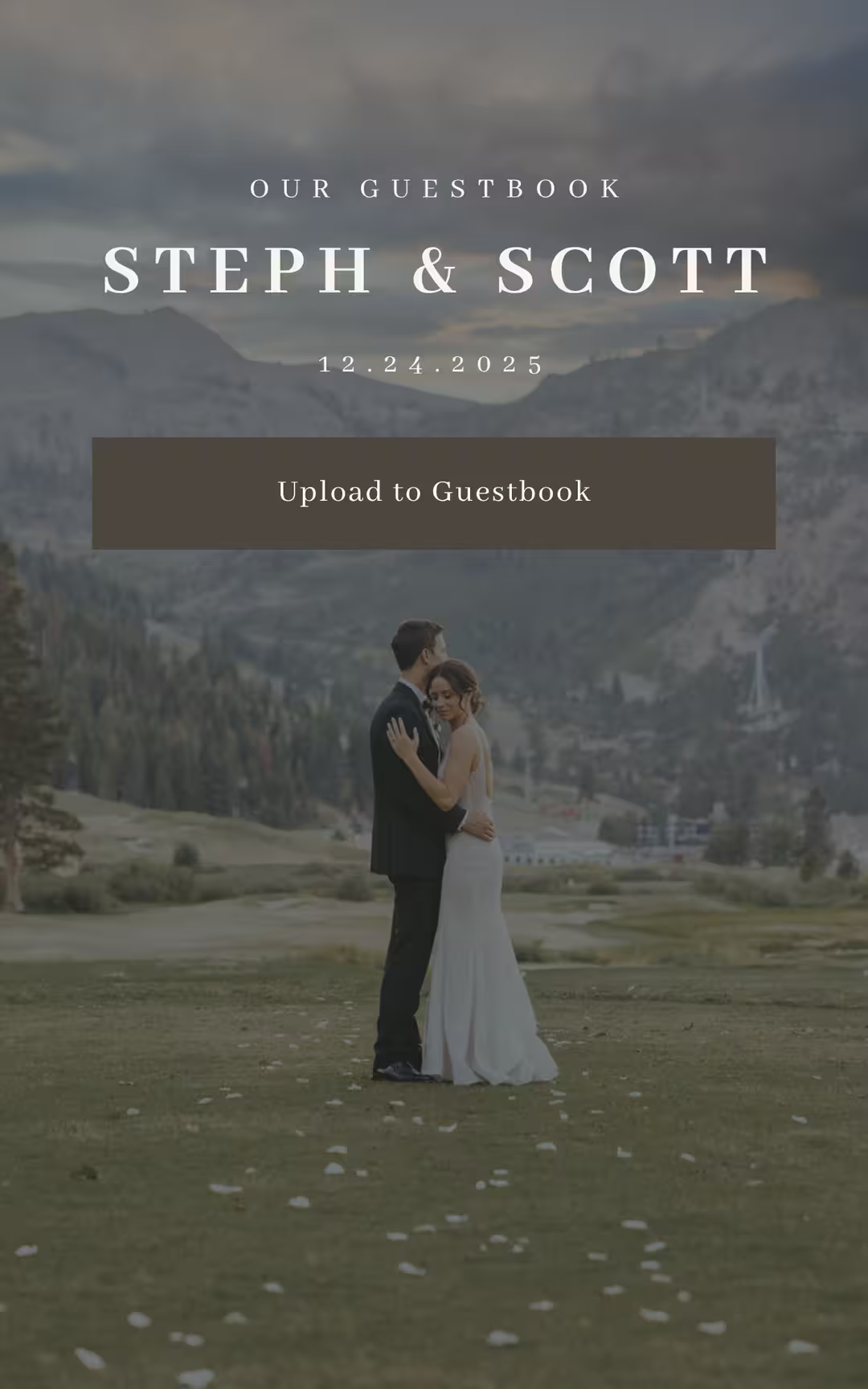
Steph and Scott wedding website with an "Upload to Guestbook" button
Steve and Ashley's wedding website that is linked to their wedding qr code for photo sharing
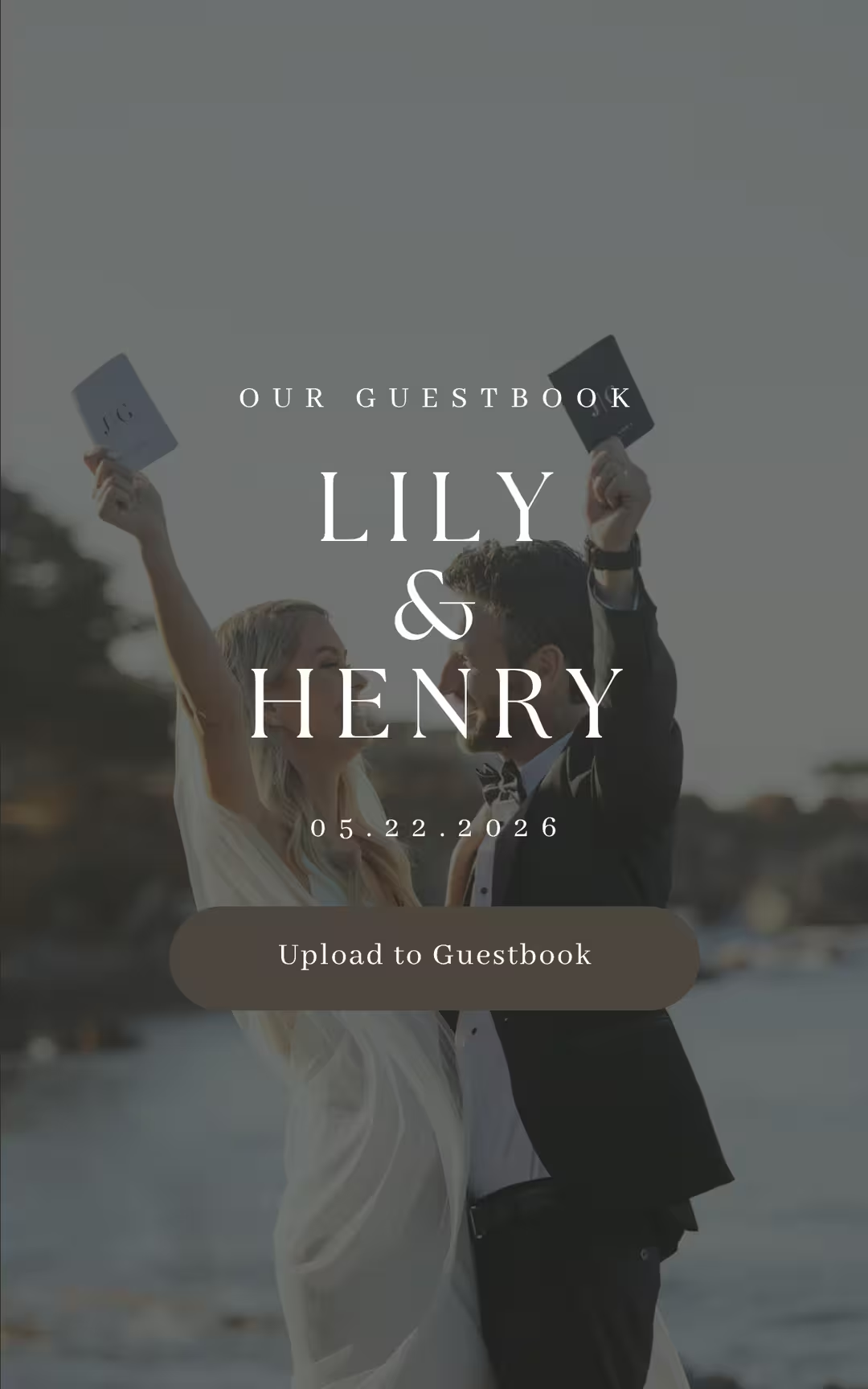
Lily and Henry's digital guestbook feature a upload to guestbook button for guest photos and message
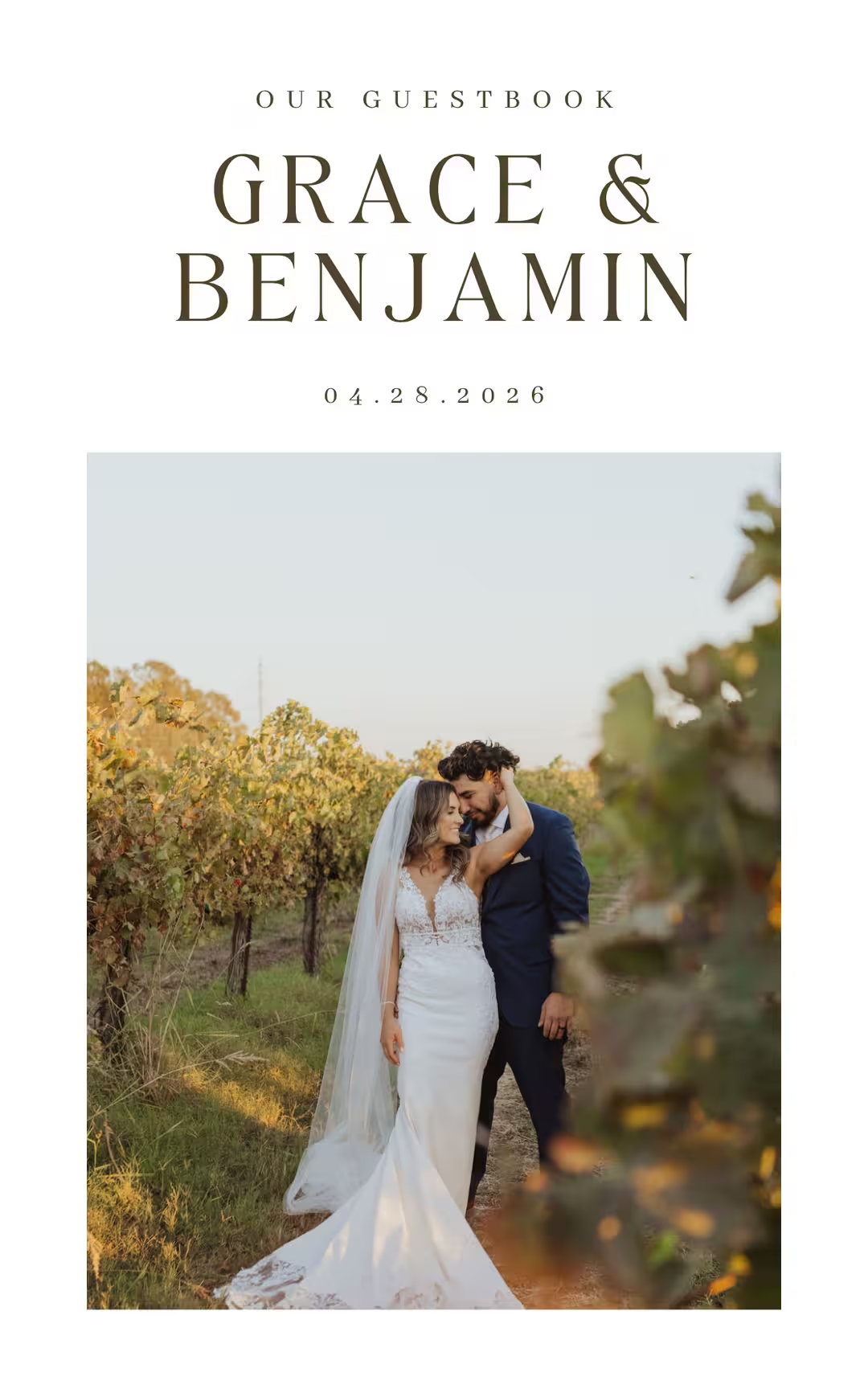
Grace & Benjamin wedding website featuring a minimalistic design
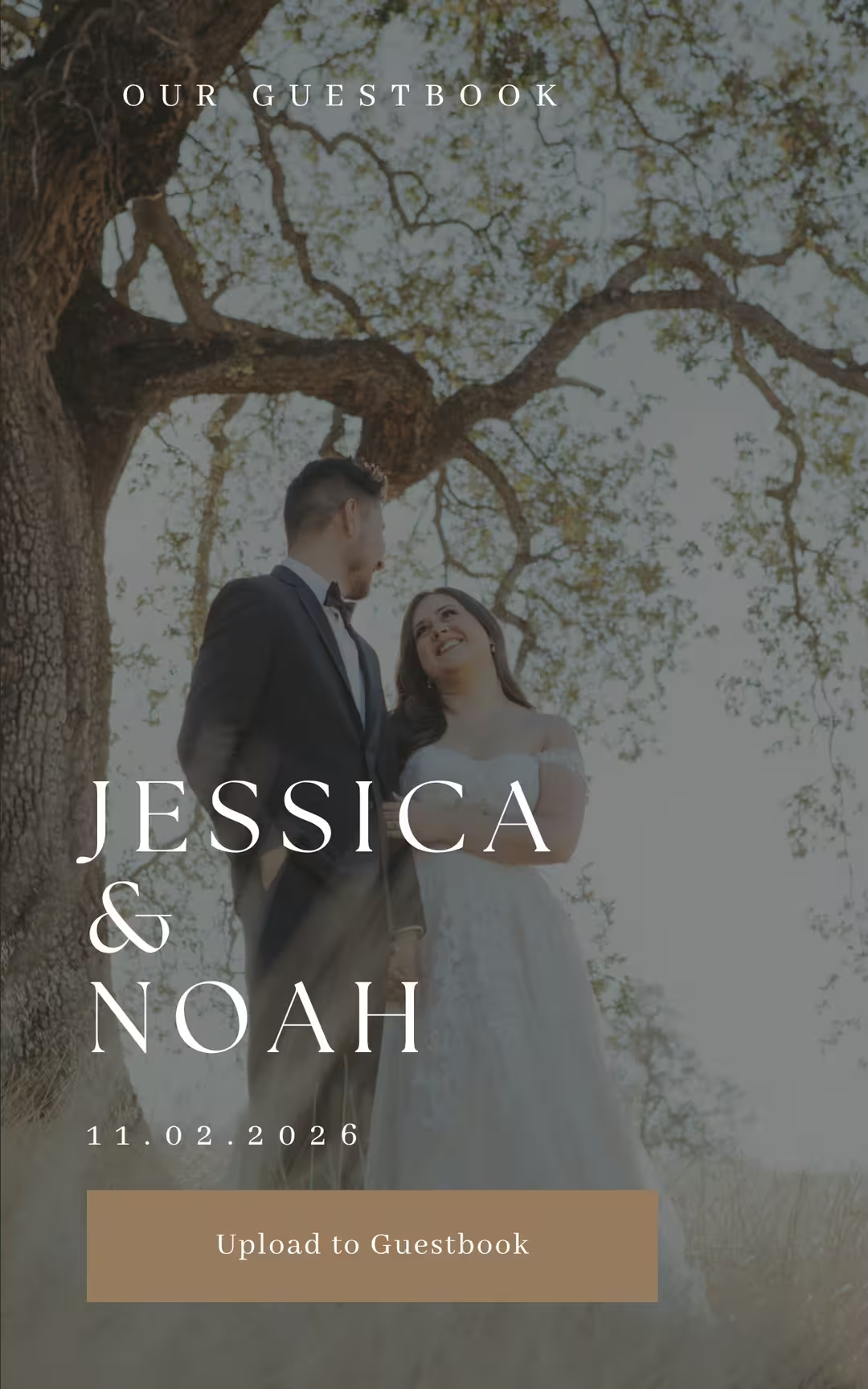
Jessica and Noahs wedding website featuring a "Upload To Guestbook" button for guest photo sharing
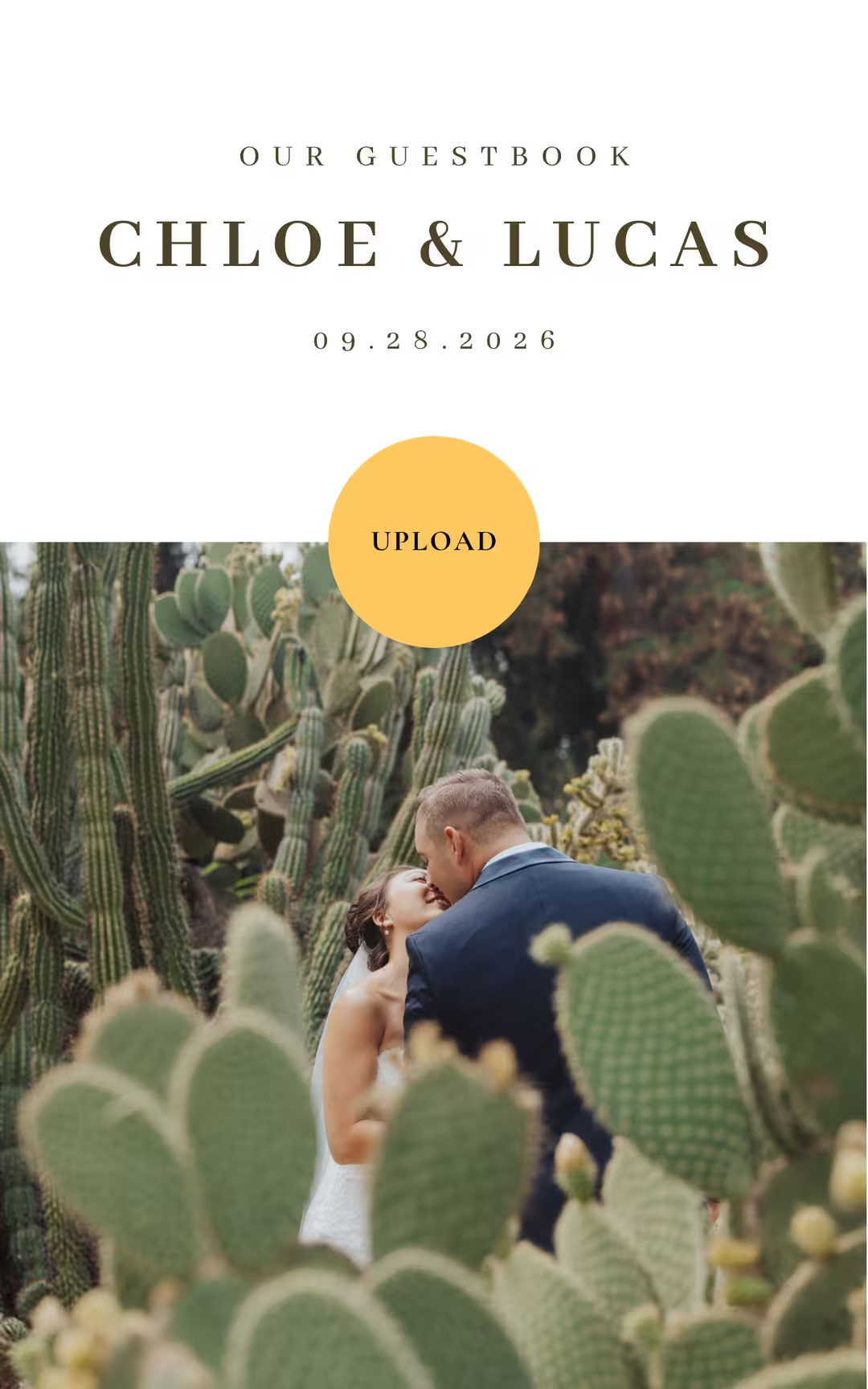
Chloe and Lucas' mobile wedding website with an "Upload" button for guest photo uploads

Browse all templates

Give Your Wedding Website a Reason to Be Visited Twice

Most wedding websites are static information dumps. Dates, times, hotels, registry links. Guests visit once, screenshot the details, and never return. Wedibox makes your website dynamic. Guests return because new content keeps appearing.

Unlimited Photo and Video Storage

Unlimited, original-quality photo and video uploads, organized by time or albums like Ceremony, Cocktail Hour, Reception, and After-Party. Add prompts like “Favorite moment” or “Advice” to guide guests.

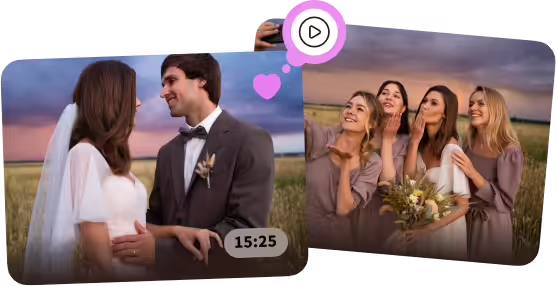
Bride and groom smiling at each other in a field during sunset, next to a photo of the bride with four bridesmaids blowing kisses.

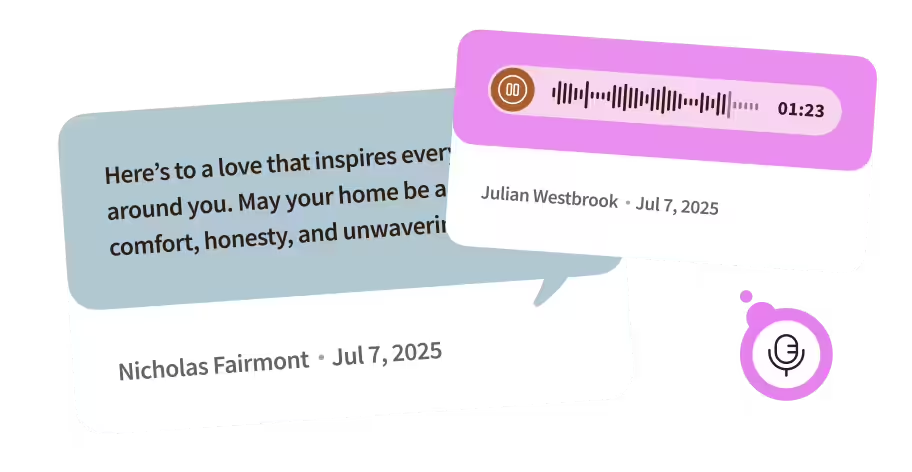
Written Messages That Feel Personal

Digital guestbooks collect thoughtful responses. Guests write longer, more honest messages when they're not standing at a table with a pen that's running out of ink.

Two overlapping speech bubbles: one with a text message about love and home by Nicholas Fairmont dated Jul 7, 2025, and the other showing an audio message with a waveform, duration 1:23, by Julian Westbrook dated Jul 7, 2025, along with a microphone icon.

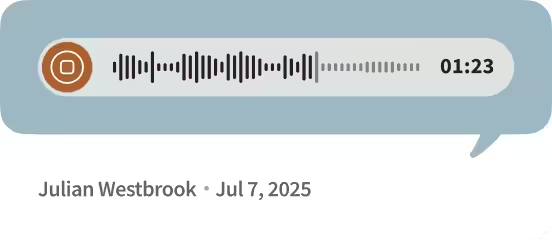
Voice Messages That Capture Emotion

Audio guestbooks let guests record toasts and tributes. You'll hear the pauses, the laughter, the voice cracks that text can't convey.

Audio message waveform with a duration of 1 minute 23 seconds and a play button, sent by Julian Westbrook on July 7, 2025.

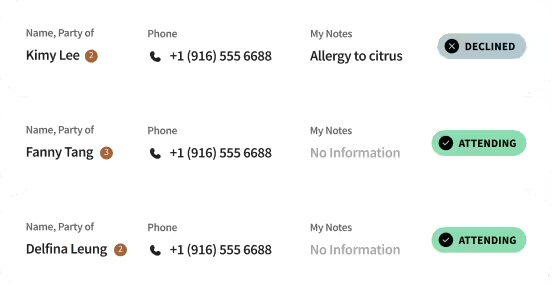
RSVP Forms That Don't Feel Like Homework

Ask custom questions. Track meal preferences. Include plus-ones. Export responses when your caterer needs final counts.

List of three attendees with their names, party sizes, phone numbers, and attendance status: Kimy Lee (2) declined due to allergy to citrus; Fanny Tang (3) attending with no additional notes; Delfina Leung (2) attending with no additional notes.

Seating Charts That Don't Require Poster Boards

Guests scan at the entrance to find their table. You update assignments remotely if someone cancels last minute. The poster board era is over.

Seating chart showing a round family table with a highlighted seat labeled EM for Ethan Marshall.

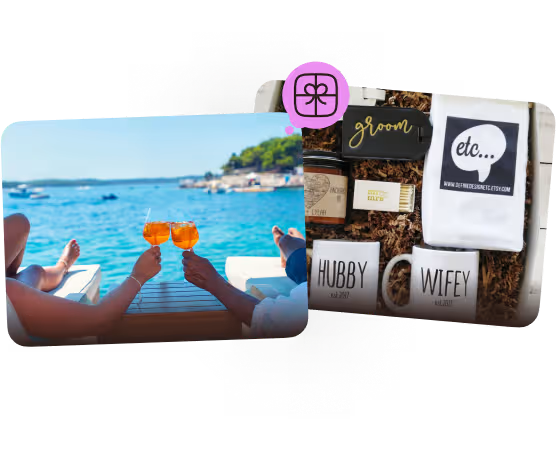
Registry Links That Don't Get Lost

Amazon, Zola, honeymoon funds, everything lives on one page. Guests don't dig through emails from four months ago trying to find the link you sent.

Two gift ideas for wedding registries

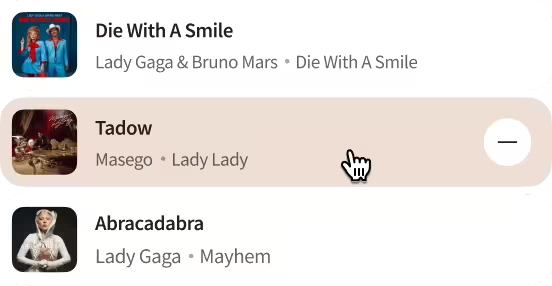
Playlist Suggestions You Control

Let guests suggest songs. Review submissions. Your DJ gets a curated list that reflects your taste, not a free-for-all that includes "Baby Shark" and "Macarena.”

Music playlist with songs: Die With A Smile by Lady Gaga & Bruno Mars, Tadow by Masego, and Abracadabra by Lady Gaga.

Built for Every Guest, Every Phone, Every Situation

Your tech-savvy cousin uploads six videos before dinner. Your grandfather scans the code and contributes photos without help. Both experiences work effortlessly.

Works on Any Modern Smartphone

iPhone, Android, old or new all work with Wedibox.

Multilingual Interface

Multiple languages supported for international guests and destination weddings.

Simple for All Ages

Large buttons and clear instructions work for every generation attending.

Handles Weak Venue Signal

Guests can easily upload later when connection improves.

No Apps or Accounts Required

Scan code, upload from camera roll. That's it, nothing else needed.

Buying Wedibox as a gift? 

Purchase now and transfer ownership to the couple whenever they're ready. The account waits patiently until they activate it.

Your Wedding Website Keeps Details Findable

Wedding info gets lost the moment it’s sent. Links sink in inboxes, screenshots vanish, and the same questions resurface. Your Wedibox page becomes the single source guests can check anytime.

Your Story Told Your Way

Share how you met, your engagement story, and relationship photos. Give guests context so your wedding feels personal, not generic.

Timeline That Updates in Real Time

Update your schedule and everyone sees changes immediately. Skip the group text announcements and frantic coordinator calls.

Travel Details That Help Out-of-Towners Arrive Safely

Hotel blocks, shuttle schedules, parking instructions, venue addresses. Out-of-town guests get everything they need to arrive stress-free and on time.

 Dress Code and FAQ in One Place

Answer "What should I wear?" and "Can I bring kids?" once. Guests check your site instead of texting you at midnight.

Your Wedibox page starts as your plan for the day, then becomes the place your gallery, guestbook notes, and voice messages live after the confetti settles.

Best Places to Put Your Wedding Photo QR Code

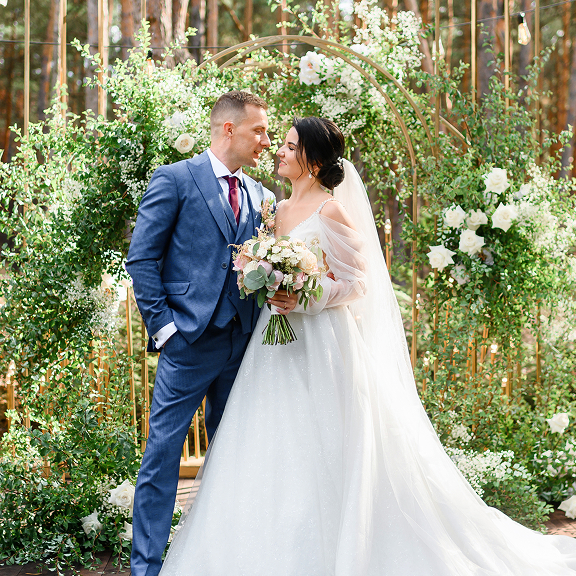
Bride in white gown holding bouquet and groom in blue suit standing closely in front of floral arch.

Pre-Wedding Events

Build Familiarity Early

Introduce your QR code at engagement parties and bridal showers. Guests learn the system before your wedding, making uploads automatic on the big day.

Ceremony Exit

Capture Unique Angles

Place signs near exits after the ceremony. Back row and balcony guests share perspectives your photographer missed.

Bar During Cocktail Hour

Captive Audience

Guests wait for drinks anyway. A well-placed sign at the bar turns downtime into upload time between ceremony and reception.

Reception Tables

Impossible to Miss

Mini QR cards on centerpieces mean guests see the code while eating and talking. Visibility drives participation and repeated exposure creates action.

Person holding a smartphone taking a photo of a laughing man wearing a veil and holding flowers at a celebration with gold balloons in the background.

Dance Floor Area

Capture the Chaos

Position signs where sweaty, happy guests scan between songs. Dance floor photos show pure joy captured in motion blur and terrible lighting.

What Real Couples Say About Wedibox

Trusted by couples all over the world, Wedibox has helped collect wedding photos, voice messages, and guestbook entries. Don't take our word for it—read what real users have to say about their Wedibox experience.

Wedding Guests Want To Help. They Need Permission And Gentle Reminders.

An MC Announcement Goes a Long Way

Ask your DJ for one reminder during cocktail hour. Keep it light, not demanding.

Add Playful Prompts

"Best candid wins extra cake." Light gamification increases uploads without feeling forced or cheesy.

Include Remote Guests in the Experience

Share your URL in group chats. Remote loved ones upload congratulations videos and messages.

Display the Code Everywhere

Welcome sign, tables, bar, photo booth. Repetition creates familiarity. Familiarity drives action.

Enable the Live Slideshow Feature

Connect a screen. Photos appear in real time. Social proof drives behavior.

Turn on Moderation if You're Worried

Approve uploads before they appear publicly. Filter out accidental or inappropriate photos beforehand.

Send a Day-After Highlight Email

Compile favorite photos. Email guests with a thank-you note showing the collective story.

Wedibox vs DIY Options

Couples try workarounds. Most fail for predictable reasons.

Capability

No-App Uploads

Original Quality

Live Slideshow

Privacy & Control

Wedding-Ready UX

All-in-one Tools

Social Hashtag

Requires social account

Compressed

Not in-venue

Public by default

Not designed for weddings

None

Shared Drive + QR

Clunky on mobile

If configured

Manual

Link can spread

Feels like work

None

Generic Upload Form

Often slow

Varies

Rare

Limited

Generic

None

Wedibox

One scan, instant

Full-resolution

Real-time, moderated

Private link, passcode, moderation

Elegant, on-brand

RSVP, seating, guestbooks, registry, playlist

Get Started Free

Shared drives work for spreadsheets, not wedding guests. Wedibox is built for quick photos, shaky hands, and a drink in the other one.

One QR Code Works for Every Type of Wedding

Intimate Celebrations

Small guest count doesn't mean fewer photos. Easily collect every perspective.

Destination Weddings

Welcome dinner, ceremony, reception, brunch. Organize photos across multiple days and locations.

International Events

Works in any country. Multilingual interface supports guests speaking different languages.

Wedding Planners

Coordinators can gift or set up Wedibox for clients planning celebrations.

Gifting Wedibox

Purchase now, transfer ownership later. Easy to gift before the couple starts planning.

Your QR code for wedding pictures, plus the stuff guests  keep texting you about.

Frequently Asked Questions

What is the best QR code for wedding pictures?

The best QR code for wedding pictures is one that lets guests upload photos instantly without downloading an app or creating an account. Wedibox provides a private, full-resolution photo gallery where guests simply scan, upload, and share — all from one QR code.


What else can our QR code do?

RSVP, seating chart, digital guestbook, audio guestbook, registry links, and a shared playlist—all from the same code.

Can we download everything afterward?

Yes—by album or Download All. You can also share a smaller highlight set with friends and family.

‍

Can we play a live slideshow at the reception?

Yes. Connect a screen or projector and turn on the live display. You can moderate what appears on screen.

Can international guests use it?

Absolutely. Wedibox is used worldwide, supports multilingual prompts, and works anywhere there’s an internet connection.

Is our gallery private?

Yes. Your event is private by default and accessible only via your unique link or QR. Add a passcode if you want, and use moderation to approve what appears publicly.

Will our photos be compressed?

No. Wedibox stores original-quality files and lets you download them anytime.

Do guests need to download an app?

No. Guests scan your code with their phone camera and upload in the browser. It takes seconds and works on any modern smartphone.

Why 100,000+ Couples Trust Wedibox
for Wedding Memories

Wedding photos shouldn’t turn into a month of follow-ups. Wedibox makes sharing feel natural for guests, keeps every upload in one place, and leaves you with an organized gallery when the weekend ends.

Trusted in 50+ Countries

From local weddings to destination weekends.

Purpose-Built for Weddings

With features generic photo apps or websites don't consider.

Privacy by Design

With controls that keep your memories secure and ad-free.

Human Support Available

When you need help or have questions.

We follow accessibility standards so your page loads quickly and works for every guest, regardless of device, location, or technical ability.

Signage Language That Gets Guests Uploading

Place these phrases near entrances, bars, gift tables, and centerpieces:

Snap · Scan · Share — Add your photos and videos to our album—no app needed.

Share The Love — Scan to upload your favorite moments; we’ll play them live tonight.

Leave Us a Memory — Share photos, write a note, or record a voice message—we’ll treasure it.

Prefer ready-made designs?
Explore our printable QR signs and mini cards, or start with wedding website templates that match your aesthetic.

Your Next Step

It Takes Under 5 Minutes

Step 1

Create your Wedibox wedding page

Step 2

Download your QR code and short link

Step 3

Place the code around your venue (use our printable templates)

Step 4

Watch the photos flow in — and play them live on screen

Step 5

Download everything the next day and relive the magic

Ready to Collect Wedding Photos You'd Never See Otherwise?

Create Your Wedibox Website & Wedding QR Code Today.

Get Started Free

Still Wondering If It's Right for You?

Explore all features or reach out to us — we're here to help.

Main

  • Pricing
  • how it works
  • Partner Program
  • Made For weddings
  • Blog
  • reviews

Company

  • About Us
  • Contact Us
  • Cookie Policy
  • Cookie settings
  • Terms & Conditions
  • Privacy Policy
Wedibox logotype light

© 2026 Wedibox LLC All rights reserved

Your Cookie Preferences

We use cookies to ensure the proper functioning of our website and to provide you with the best possible user experience. Cookies help us understand how visitors interact with our site, allowing us to analyze traffic, improve performance, and remember your preferences. Some cookies are used to deliver personalized advertisements tailored to your interests. You can choose to accept all cookies, reject unnecessary ones, or customize your preferences at any time. For more information about the types of cookies we use and how we process your data, please review our Cookie Policy and Privacy Policy.

Accept All

Reject All

customize Cookies

Choose Your Cookies

Necessary (always active)

Essential for site functions like login and cart.

Analytics

Show us what’s popular to improve the site.

Marketing / Ads

Help display relevant offers and ads.

Functional / Preferences

Remember choices like language.

Reject All

Accept All

Save my choices

Your Request Has Been Saved

Your personal information will not be sold.

Undo

OK

Let's Get Started

Your wedding QR code for everything that matters.

Thanks for Your Message, John

We’ll contact you soon to explore opportunities.

Oops! Something went wrong while submitting the form.

Error:

Continue

Already have an account? Sign In or Try Our Demo