how it works
features
Photo SharingAlbumsDigital GuestbookAudio GuestbookSeating ChartShared PlaylistLive SlideshowRSVPRegistry SharingWedding Website
designs
Wedding Website TemplatesQR Code Sign Templates
resources
Made For WeddingsAbout UsBlogAffiliate ProgramVideo TutorialsContact Us
pricing

log in

Try Free Demo

how it works
features
Photo SharingAlbumsDigital GuestbookAudio GuestbookSeating ChartShared PlaylistLive SlideshowRSVPRegistry SharingWedding Website
designs
Wedding Website TemplatesQR Code Sign Templates
resources
Made For WeddingsAbout UsBlogAffiliate ProgramVideo TutorialsContact Us
pricing

log in

Try Free Demo

Wedding Seating Charts Made Easy with a QR Code

Guests arrive, scan the QR code, and find their table in seconds. Poster-board squinting disappears, and the doorway stays clear.

Create Your Seating Chart

See How It Works

Please Find Your Seat

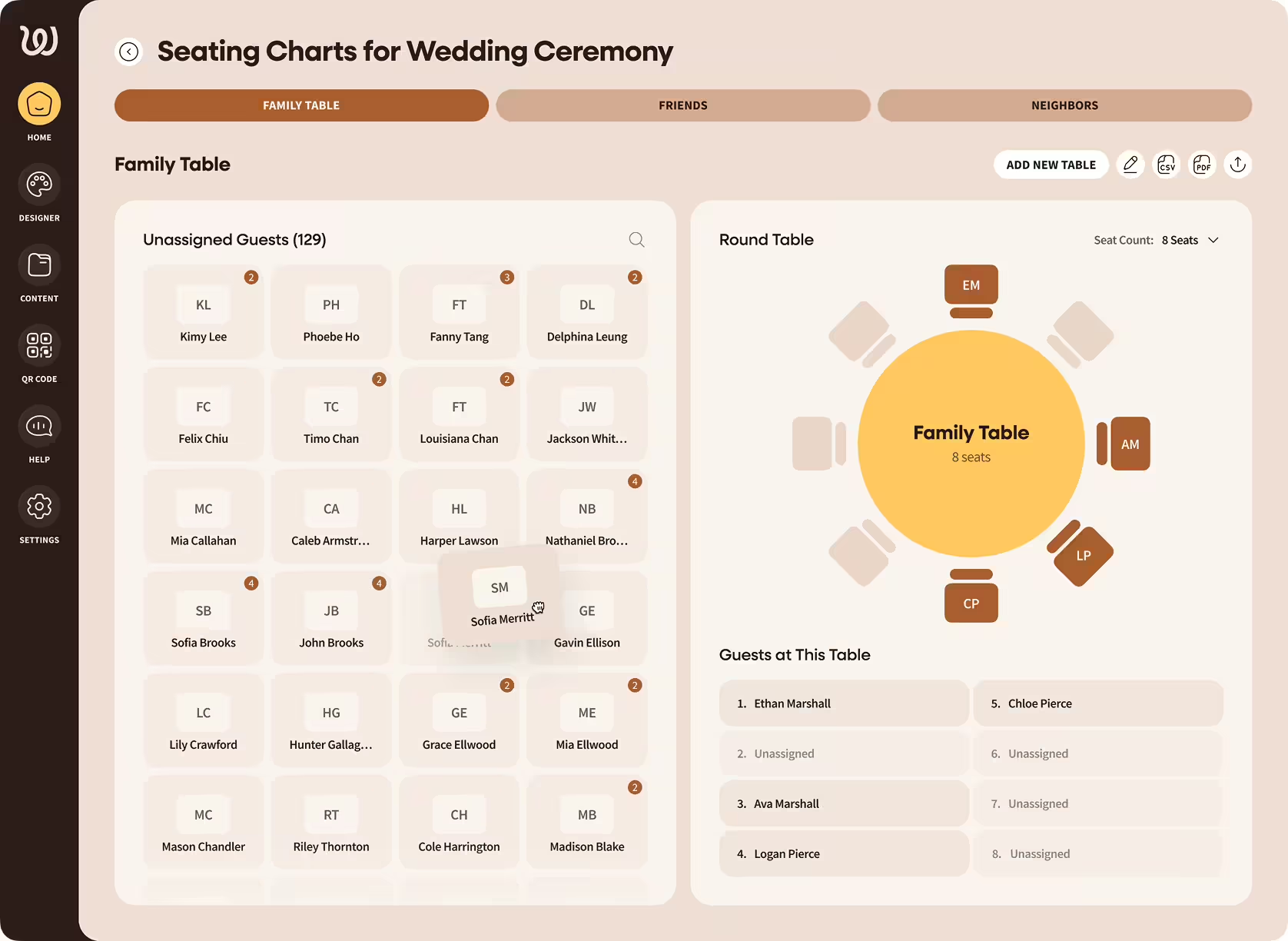
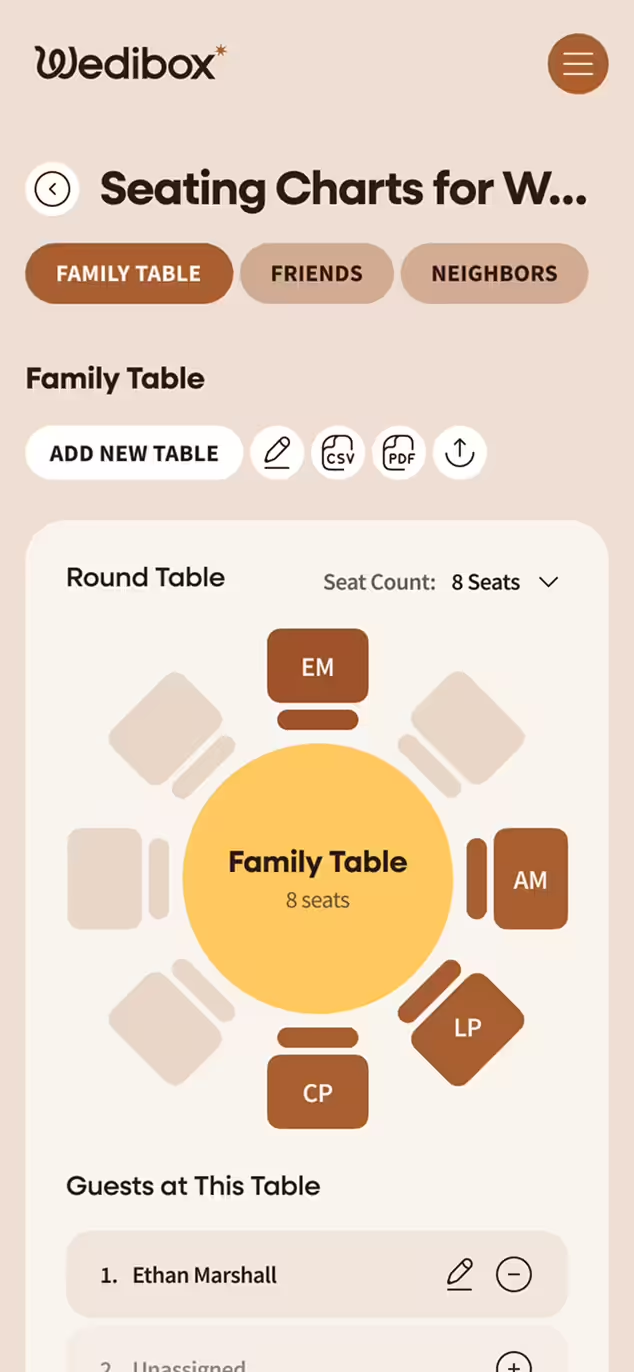
Wedding seating chart interface showing unassigned guests on the left and a round family table with 8 seats arranged and four guests assigned on the right.Mobile view of Wedibox seating chart app showing Family Table with 8 seats arranged around a round table and guest list with Ethan Marshall assigned.

Please Find Your Seat

Visualize Your Seating Chart

Visualize Your Seating Chart

How a Digital Seating Chart Works

It’s the fastest way to answer the only question that matters at the door: “Where am I sitting?” Guests pull out their phone, point at a QR code, and tap the link. A search bar appears. They look for their name and see their table assignment immediately.

Instead of a crowded poster board or piles of escort cards, your digital seating chart keeps arrivals moving, handles last-minute changes, and spares you the reprint panic

Why Go Digital? A Modern Take on the Wedding Seating Chart

Traditional seating displays have the same problems at every wedding. Escort cards get knocked over, shuffled out of order, or blown away at outdoor venues. Poster boards create bottlenecks as fifty guests try to read tiny names from three feet away.

Skip the “print shop panic” when tables change

Update assignments from your phone

Move guests through the entrance faster

Give guests an instant answer to "where do I sit?"

Keep signage light and clean (especially outdoors)

QR seating charts are quickly becoming a 2026 wedding must have because they remove the single biggest bottleneck at most receptions: the five-minute “where do I sit?” traffic jam that somehow lasts twenty.

Build Your Digital Seating Chart in Minutes

Wedibox makes the setup as simple as the guest experience.

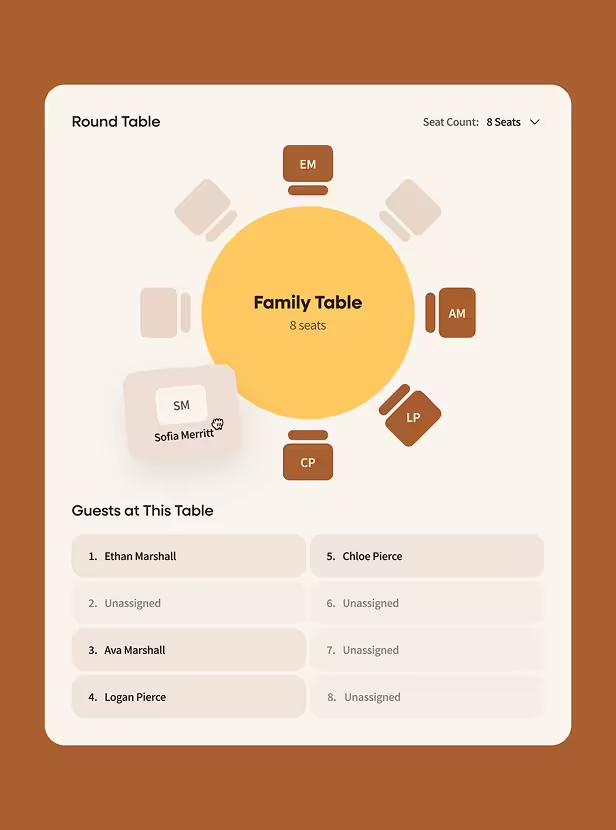
Diagram of a family table with 8 seats showing some assigned and unassigned guests including Ethan Marshall, Ava Marshall, Logan Pierce, Chloe Pierce, and Sofia Merritt seated.

Add Your Guests and Tables

Drag names into table assignments. Rearrange as your RSVPs change. The interface works how you'd expect.

Choose Website TEmplate

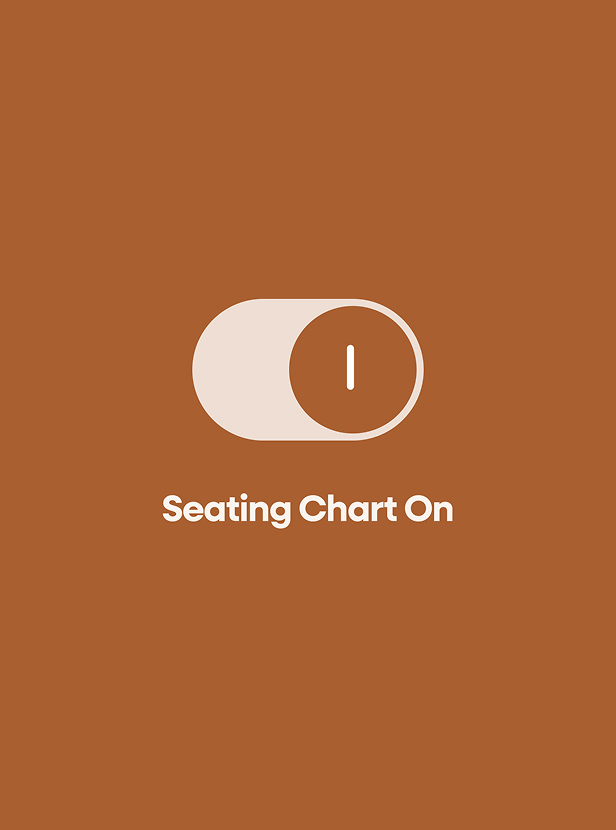
Toggle switch icon in on position above text reading Seating Chart On on a brown background.

Activate the Seating Chart on Your Wedding Page

One toggle makes your chart visible to guests who scan your QR code.

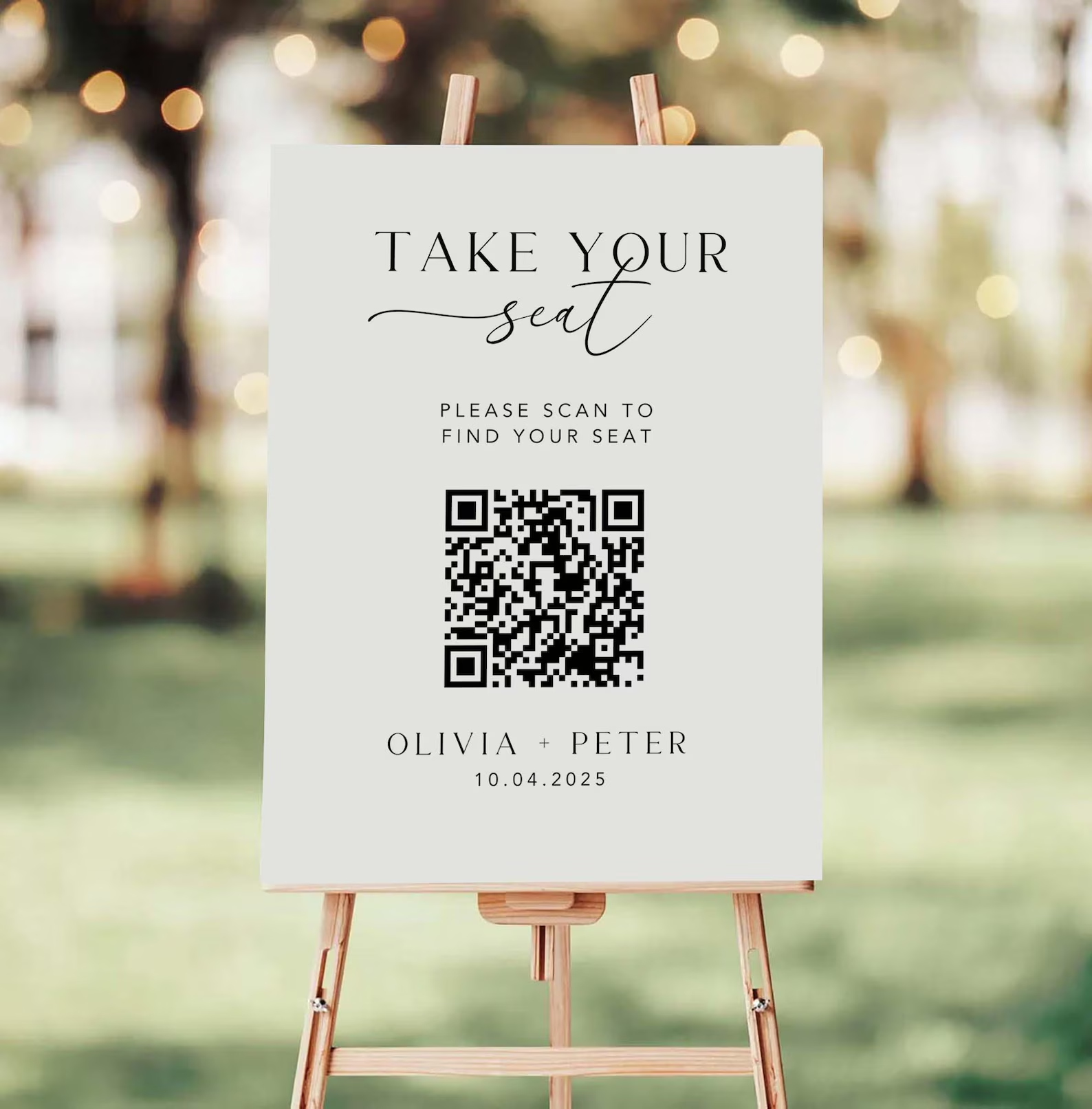
Sign on easel reads 'Take Your Seat' with a QR code below and 'Please scan to find your seat', followed by names Olivia and Peter with date 10.04.2025.

Print Your QR Code Signage

Download your code and drop it into a free Canva template. Match your wedding aesthetic in minutes.

Explore Our Printable Templates

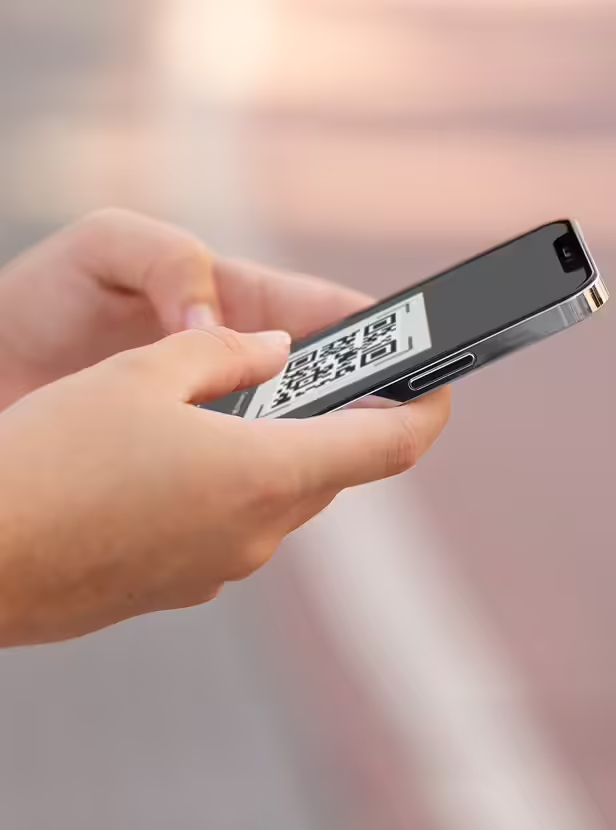
Person holding a smartphone displaying a QR code on the screen.

Guests Scan and Search

They look for their name, see their table, and walk to their seat. Done.

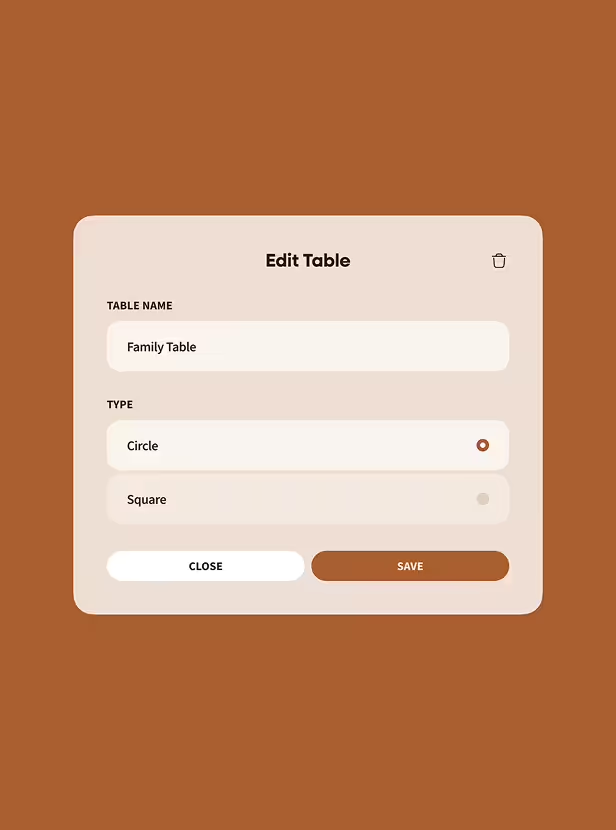
Edit Table interface with fields to enter table name as 'Family Table' and select type as Circle or Square, with Close and Save buttons.

Change Seat Assignments Instantly

Swap tables the morning of your wedding if you have to. The QR code stays the same. Guests see the updated version instantly.

Bonus Tip For Large Guest Lists

Set up two or three QR code signs at different spots near your entrance to spread the traffic and keep the line moving.

Try the Seating Chart Tool

Guests Who Struggle With Technology Will Be Fine

Every guest list includes someone who claims they "don't do phones." Wedibox is built for them too.

Tip 1

Place Clear Instructions On Your Signage

"Scan with your camera. Tap the link. Find your name." Three steps, large font, universal understanding.

Tip 2

Set Up Multiple Scanning Stations

Guests who need more time won't hold up the line if there's another sign ten feet away.

Tip 3

Keep a Backup Nearby

A simple alphabetical list on a clipboard or tablet handles anyone who can't or won't scan. It takes thirty seconds to print.

Tip 4

Add Bilingual Instructions

Add instructions in both languages on your sign, so guests scan, understand immediately, and find their table.

Wedibox helps every guest find their table quietly and quickly, by scanning a simple QR code.

What Makes This Digital Seating Chart Different

Most seating tools focus on the planning side. Wedibox focuses on both: easy for you to build, effortless for guests to use.

Updates Happen Instantly

Change a table assignment and guests see it immediately.

Beautiful QR Signage Templates

Match your wedding design with elegant templates.

Guests See Only Their Assignment

They find their name and get their table. Clean and private.

Works On Every Phone

Any smartphone camera opens the link. Nothing to download.

Connected To Everything Else

Guests use the same QR code to upload photos and leave guestbook messages.

Built For All Guests

Multilingual instructions, printed backups, and helper-friendly design.

Get Started Free

Why Couples Switch to Digital Seating Charts

Print drama disappears when tables change at the last minute.

Arrivals move faster when guests can scan from more than one spot.

Edits take seconds, even on the wedding day.

Less paper, less waste, less stuff to carry.

A cleaner, modern look than a giant board at the door.

Guests see their table privately, then walk in with confidence.

Digital Seating Chart vs. Traditional Poster Boards

Feature

Setup Time

Design Revisions

Guest Accessibility

Flow at Entrance

Cost & Waste

Guest Experience

Traditional Chart

Hours of manual sorting
Requires reprints
One-size-fits-all sign
Crowding around board
Printing & reprinting
Static and impersonal

Wedibox QR Code Chart

Done in minutes with drag-drop
Edit and update live
Mobile-optimized, ADA-friendly
Multiple scan points, faster flow
Eco-friendly, paper-light
Personalized and interactive

Weddings Where Digital Seating Charts Shine

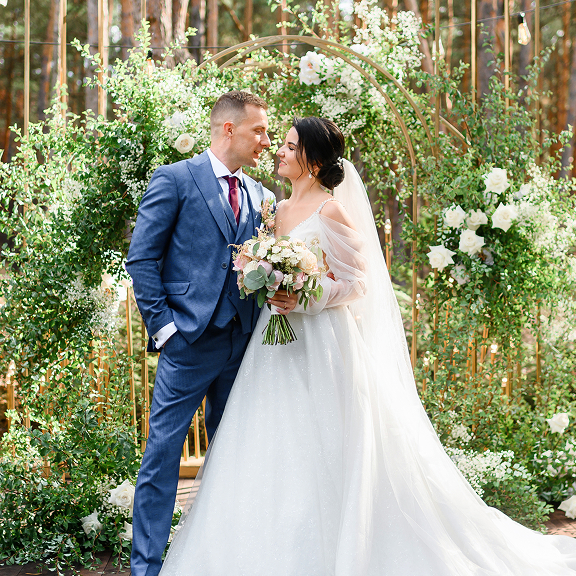
Bride in white gown holding bouquet and groom in blue suit standing closely in front of floral arch.

Garden and Outdoor Ceremonies

Paper doesn't survive wind, humidity, or sudden weather changes. Your phone does.

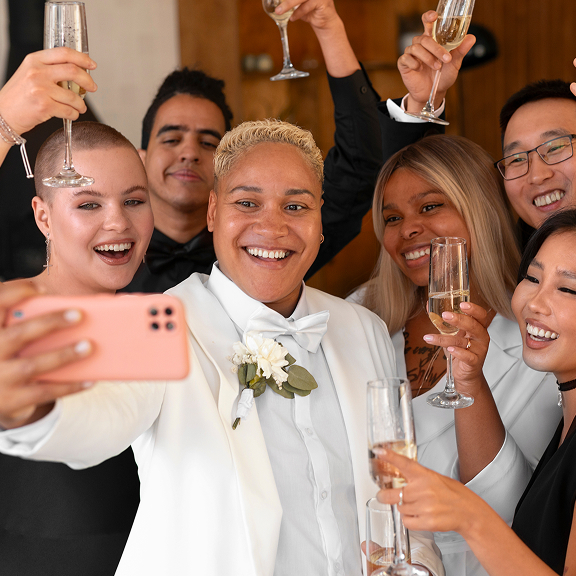
Group of six smiling friends dressed formally, holding champagne glasses and taking a selfie together.

Multicultural Celebrations

Display instructions in two languages. Or set up separate QR signs with different translations for each side of the family.

Newlywed couple sharing a kiss while holding champagne glasses during an outdoor celebration with guests applauding in the background.

Guest Lists Over 150

The bigger your wedding, the worse entrance crowding gets. Digital charts spread guests across multiple scanning points.

A woman in a brown blazer speaking into a walkie-talkie while holding a clipboard in a room with stone walls and large windows.

Guests With Accessibility Needs

Mobile screens are easier to read than tiny fonts. Add an usher with a tablet for guests who want hands-on help.

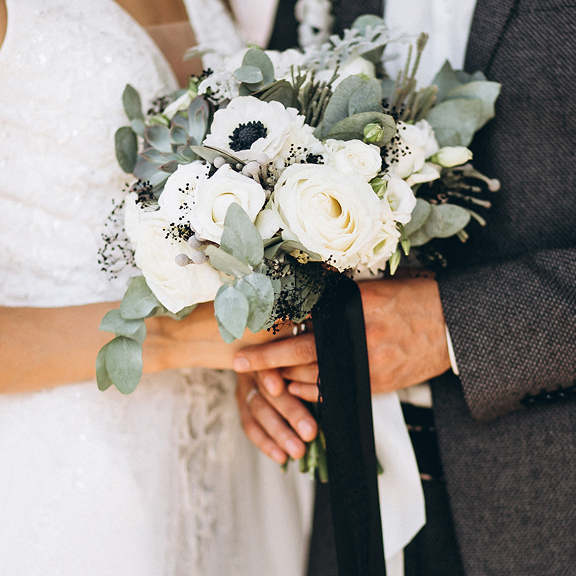
Bride and groom holding a bouquet of white flowers with green leaves and a black ribbon.

Couples Who Want Clean, Modern Design

A small QR sign is subtle. A table full of alphabet cards steals the spotlight.

Frequently Asked Questions

What happens if a guest doesn't have a smartphone?

Print a simple backup list organized by last name. Keep it near your QR signage or with an usher.

Can the seating chart display in multiple languages?

Yes. Add multilingual instructions to your signage, or create separate QR codes linked to translated versions.

Is the seating chart included with Wedibox?

Yes. Every Wedibox wedding website includes the seating chart feature. Activate it when you're ready.

Do guests need to download an app or register?

They scan the QR code, tap the link, and type their name. The browser handles everything. Nothing to install or log into.

What if I change table assignments after printing my QR code?

The QR code points to your seating chart page, not the data itself. Update your assignments and guests see the new version immediately.

How do I create a QR code for my seating chart?

Build your chart in Wedibox, and the system generates your QR code automatically. Download it and add it to any signage template.

One QR Code Connects Every Part of Your Wedding

Your seating chart lives on the same wedding page as everything else. Guests scan once and access:


Photo and video uploads from their phones

Written guestbook messages and well-wishes

Voice recordings for your audio guestbook

Your wedding day schedule and event details

RSVP submission and meal selection

And of course — share your seating chart

From the first arrival to the last dance, Wedibox keeps guests on track with a simple QR code and wedding website.

Free QR Code Signage Templates Are Included

Wedibox provides free Canva templates for your "Find Your Seat" signs. Choose a design, drop in your QR code, match your wedding colors, and print.


You can create elegant, modern signage in under ten minutes.

Your Guests Will Thank You For This

The entrance to your reception sets the tone. Make it smooth, modern, and stress-free. Build your digital seating chart with Wedibox and let guests find their seats before they finish their first cocktail.

Create Your Seating Chart

Still Wondering If It's Right for You?

Explore all features or reach out to us — we're here to help.

Main

  • Pricing
  • how it works
  • Partner Program
  • Made For weddings
  • Blog
  • reviews

Company

  • About Us
  • Contact Us
  • Cookie Policy
  • Cookie settings
  • Terms & Conditions
  • Privacy Policy
Wedibox logotype light

© 2026 Wedibox LLC All rights reserved

Your Cookie Preferences

We use cookies to ensure the proper functioning of our website and to provide you with the best possible user experience. Cookies help us understand how visitors interact with our site, allowing us to analyze traffic, improve performance, and remember your preferences. Some cookies are used to deliver personalized advertisements tailored to your interests. You can choose to accept all cookies, reject unnecessary ones, or customize your preferences at any time. For more information about the types of cookies we use and how we process your data, please review our Cookie Policy and Privacy Policy.

Accept All

Reject All

customize Cookies

Choose Your Cookies

Necessary (always active)

Essential for site functions like login and cart.

Analytics

Show us what’s popular to improve the site.

Marketing / Ads

Help display relevant offers and ads.

Functional / Preferences

Remember choices like language.

Reject All

Accept All

Save my choices

Your Request Has Been Saved

Your personal information will not be sold.

Undo

OK

Let's Get Started

Your wedding QR code for everything that matters.

Thanks for Your Message, John

We’ll contact you soon to explore opportunities.

Oops! Something went wrong while submitting the form.

Error:

Continue

Already have an account? Sign In or Try Our Demo