
Yes. Edit questions, update deadlines, adjust wording anytime. The QR code and link stay the same.

Paper RSVP cards get lost, ignored, or returned too late to count. Wedibox puts the RSVP directly on your QR code. Print it on invitations. Guests scan, tap Yes, done. Under 30 seconds.

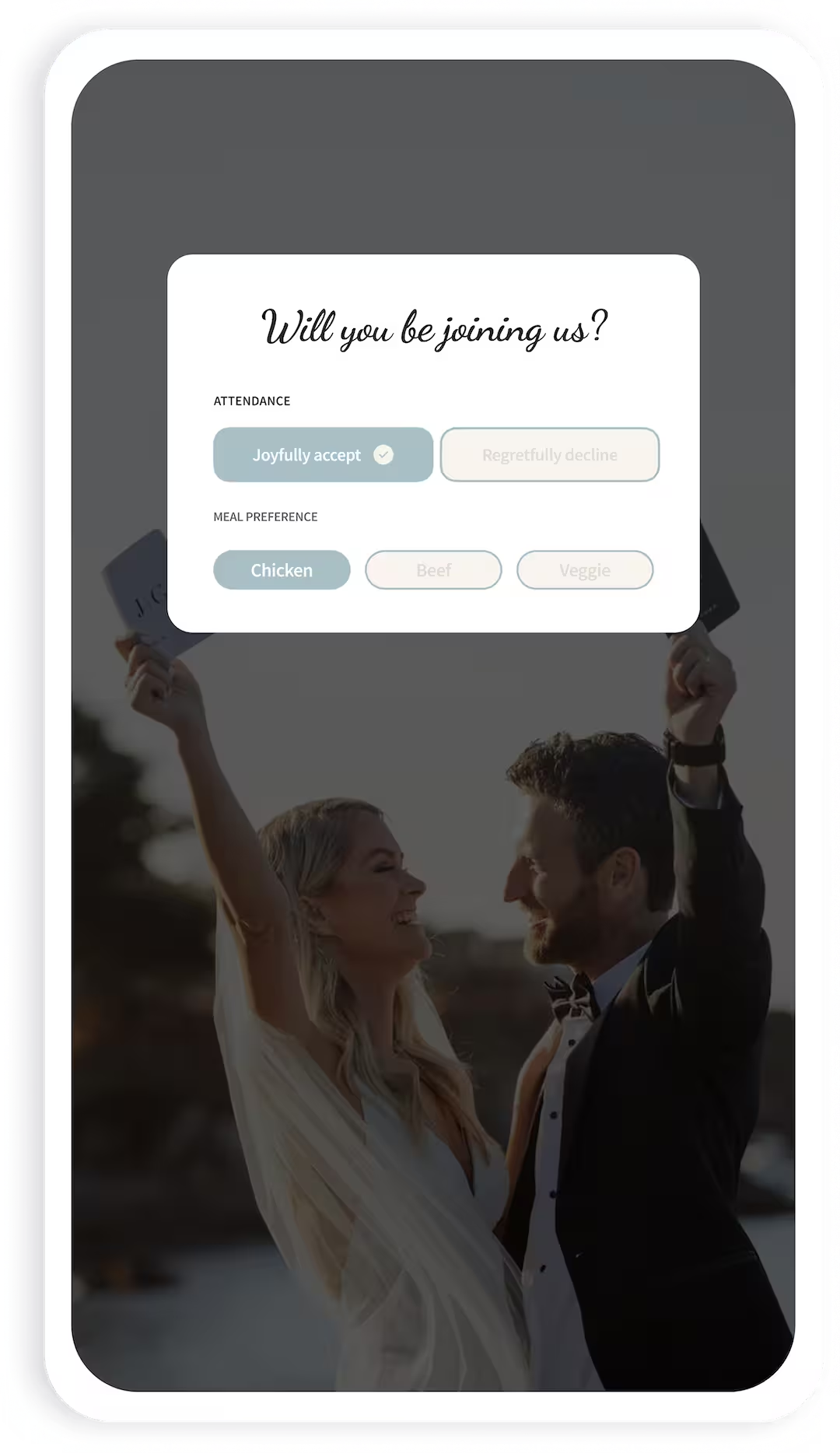
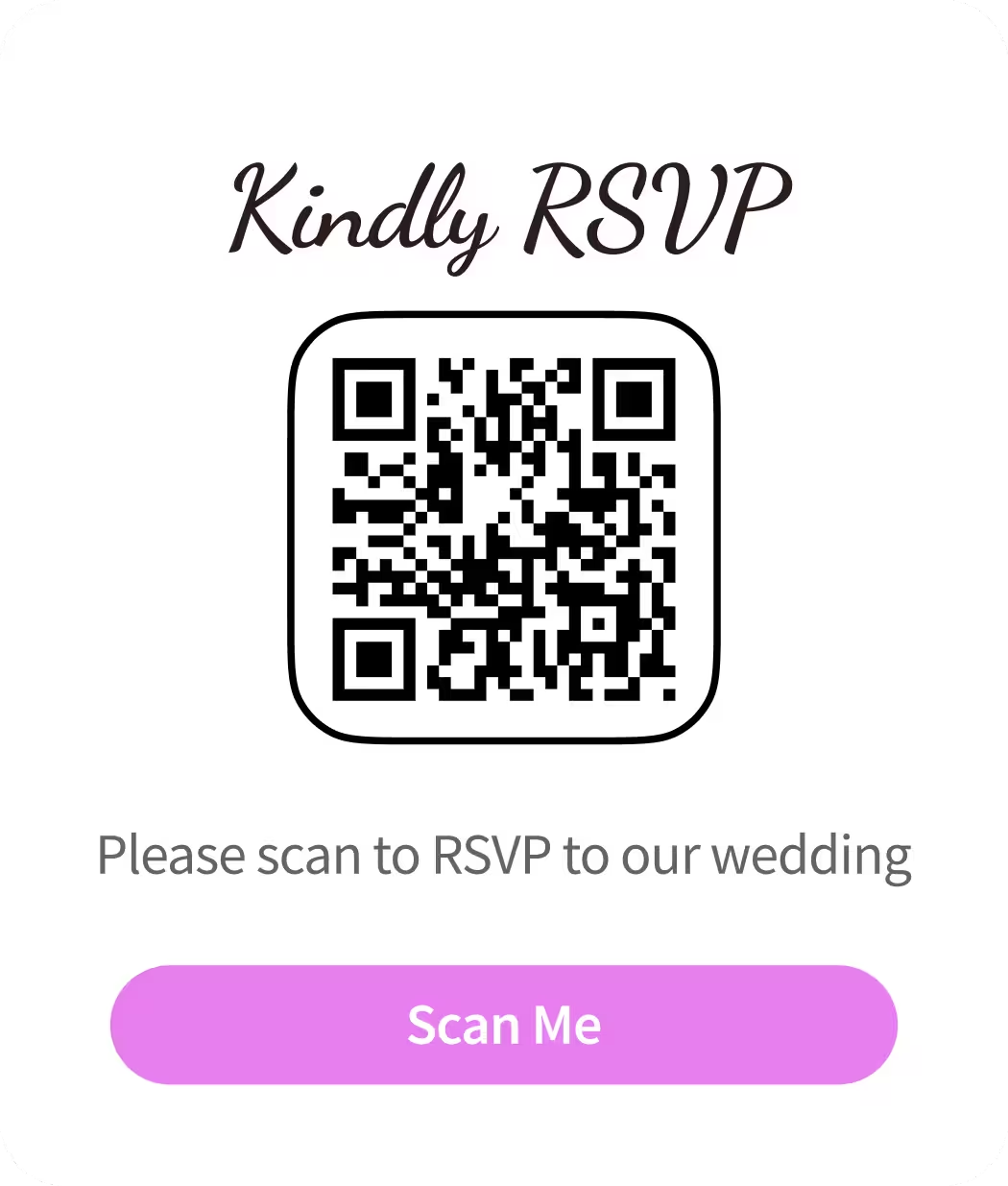
The average couple follows up with nearly a third of guests who never returned their card. Two weeks before the wedding, you're texting people you haven't spoken to in years just to get a headcount.

No tutorials. No onboarding call. Just three steps between now and your first confirmed guest.
1
Sign up, enter your wedding details, and enable RSVP. Your QR code is ready in under two minutes.
2
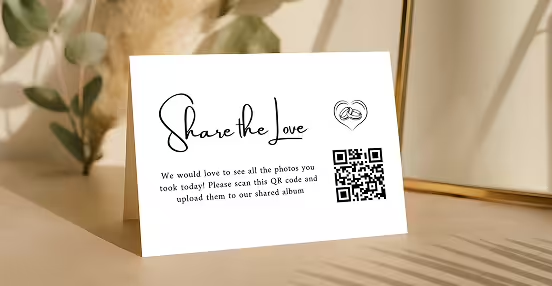
Add the QR code to your paper or digital invitations. One code handles RSVPs, photos, voice messages, and everything else.
3
Your guest list dashboard updates in real time as guests scan and respond. See attendance, meal choices, and dietary needs at a glance.
Built for couples who want a clean RSVP process, not a wedding planning suite they'll never finish setting up.
Core Feature
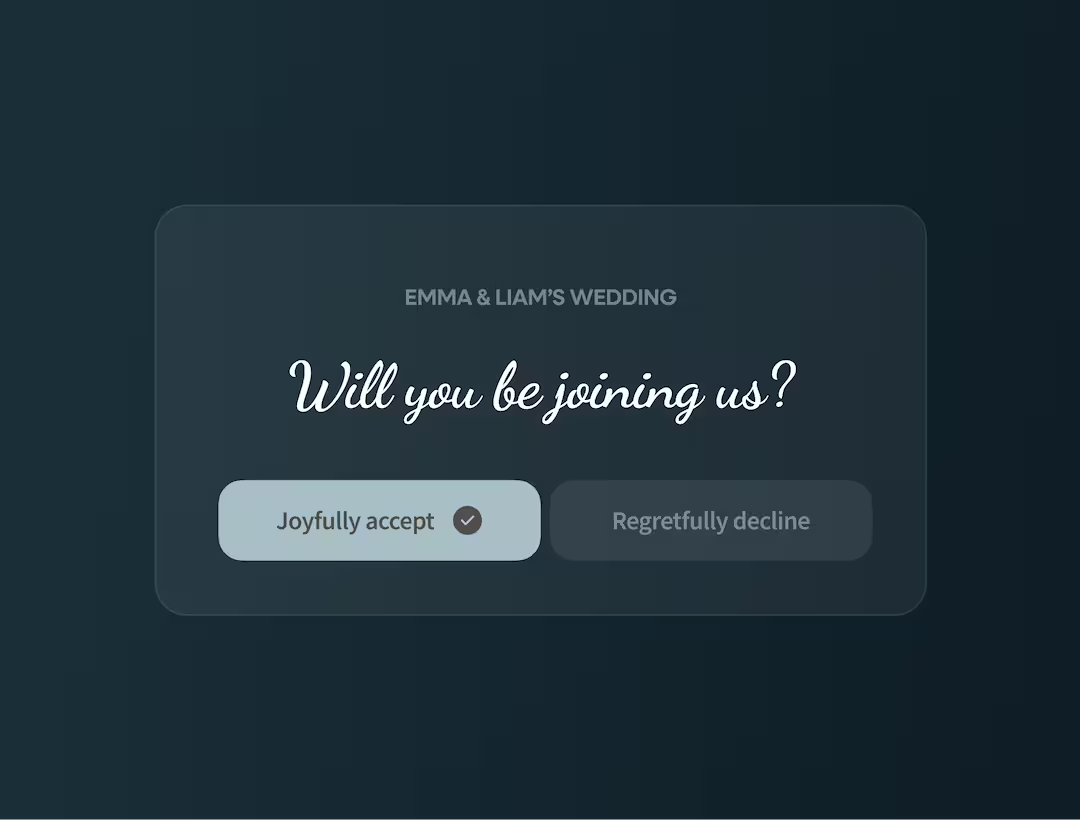
No link to type. No app to download. Guests scan the QR code on their invitation, tap Yes or No, and submit. The whole thing takes under 30 seconds on any phone.
Works on any iPhone or Android
Same QR code handles photos and messages
Guests can update their response at any time before your deadline.
Remote guests can RSVP from anywhere in the world.
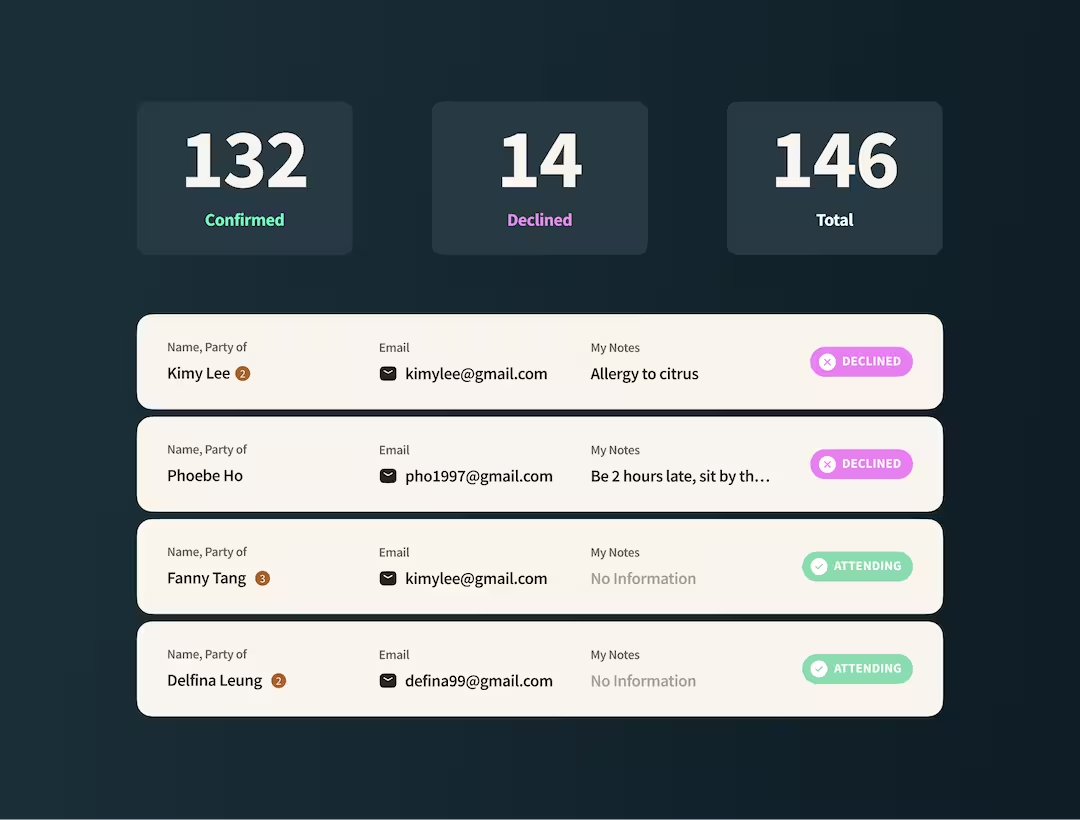
Your guest list updates the second someone responds. Filter by confirmed, declined, and awaiting. See your headcount for catering at a glance without touching a spreadsheet.
Live count of confirmed, declined, and pending guests.
Export to CSV to share with your caterer or venue.
Add guests manually for those who call or text instead.
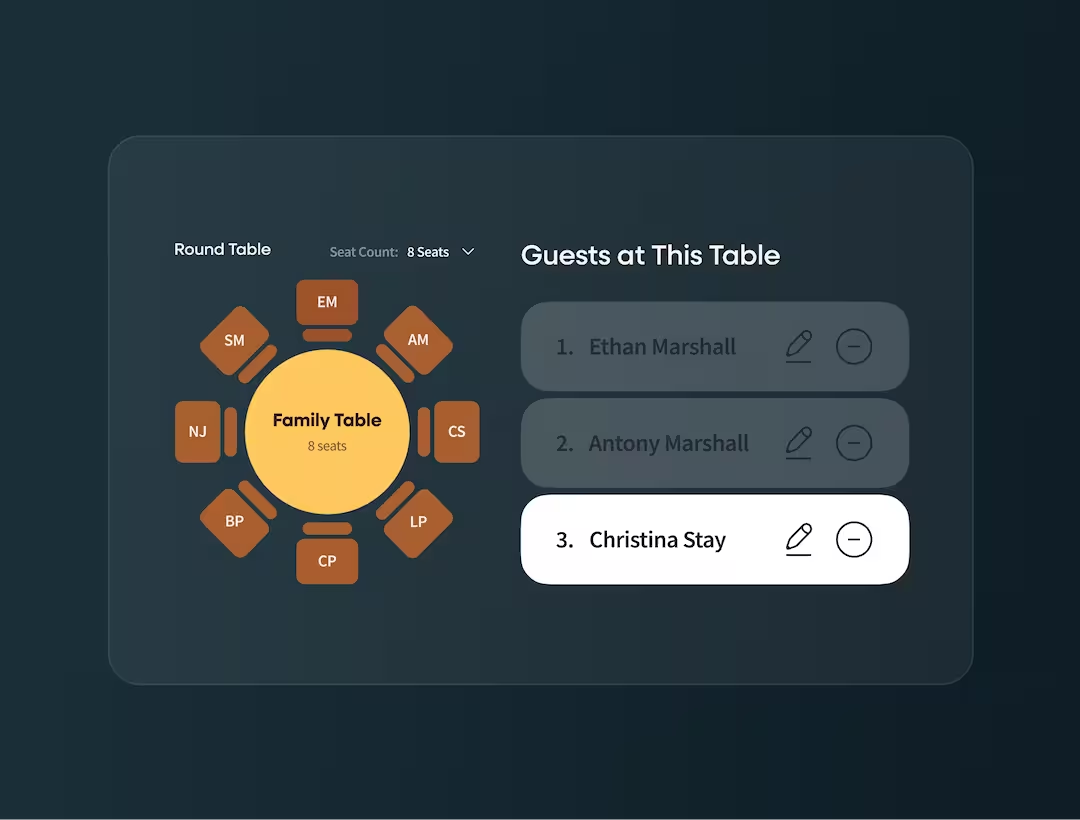
Once guests RSVP, their names are in your guest list. Open the seating chart and drag them to tables — no re-entering names, no copying between spreadsheets. Your RSVP and seating chart share the same data.
Round and rectangular layouts.
Share via QR code so guests can find their table on the day.
Updates in real time as late RSVPs come in.
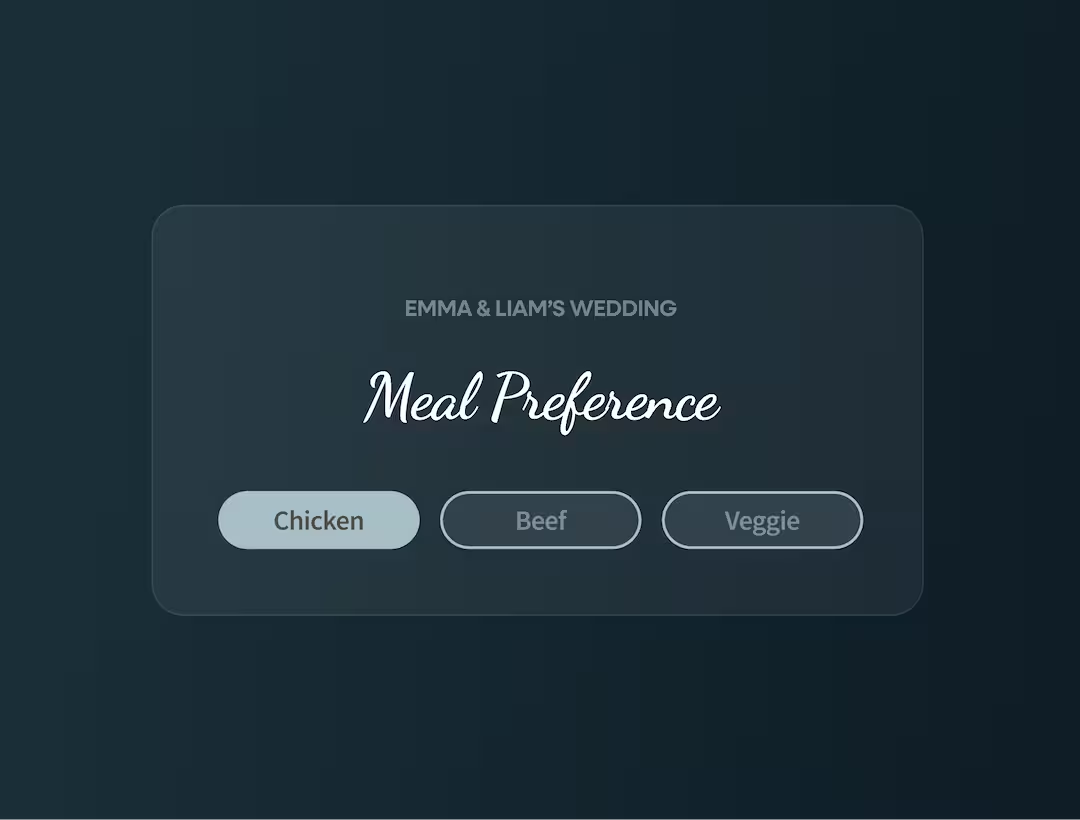
No separate form. No follow-up email. Guests pick their meal and flag dietary restrictions the moment they respond. Your caterer gets a clean export, not a spreadsheet of chaos.
Customise your meal options to match your menu.
Guests can flag allergies and dietary requirements.
Export a clean meal list directly to your caterer.

Ask what you need to know. Attendance, shuttle confirmations, song requests. Add questions, remove questions, change the order.

Guests select their choices and flag any dietary needs. Your caterer receives a clean export rather than a handwritten list.

Every submission updates your dashboard instantly. See who's attending, who's declined, and who hasn't responded yet.

Guests RSVP for their entire household in one submission.

Download your guest list as a spreadsheet. Hand it to your caterer, planner, or venue coordinator.

Every RSVP page generates both. Print the QR code on your invitation or send the URL link to guests who prefer it.

After submitting, guests see a confirmation message. They know their response went through. You don't get follow-up texts asking "did you get my RSVP?"

Add a PIN to keep your RSVP page private. Only guests with the code can access it.
Mailing a reply card made sense when everyone checked their mailbox. That era ended a decade ago. Here’s what paper RSVPs cost you:

Printing and postage for cards that may never return
Weeks of waiting for international mail
Guests who lose the card and forget to respond
Handwriting you can't read and responses you can't understand
Manual entry into a spreadsheet you'll update fifty times
Extra rounds of texts and calls to track down non-responders
Nearly 50% of couples now use a QR code on their RSVPs. This is a 42% since 2021. The reasons are obvious once you've tried it.






Every RSVP submission updates your dashboard automatically. You're not copying names from reply cards into a spreadsheet. You're not deciphering handwriting. You're not wondering if you missed someone.

Who’s coming and who’s not
Which events each guest is included in
Households, plus-ones, and grouped replies
Meal choices and allergy notes
Who responded when, and who hasn’t yet
Tags like VIP, family, wedding party, out-of-town
Once guests know to scan your QR code, they'll scan it again. Wedibox lets you extend that behavior across your entire wedding.

Guests scan to see the food and drink options, dietary information, and your signature cocktail story.
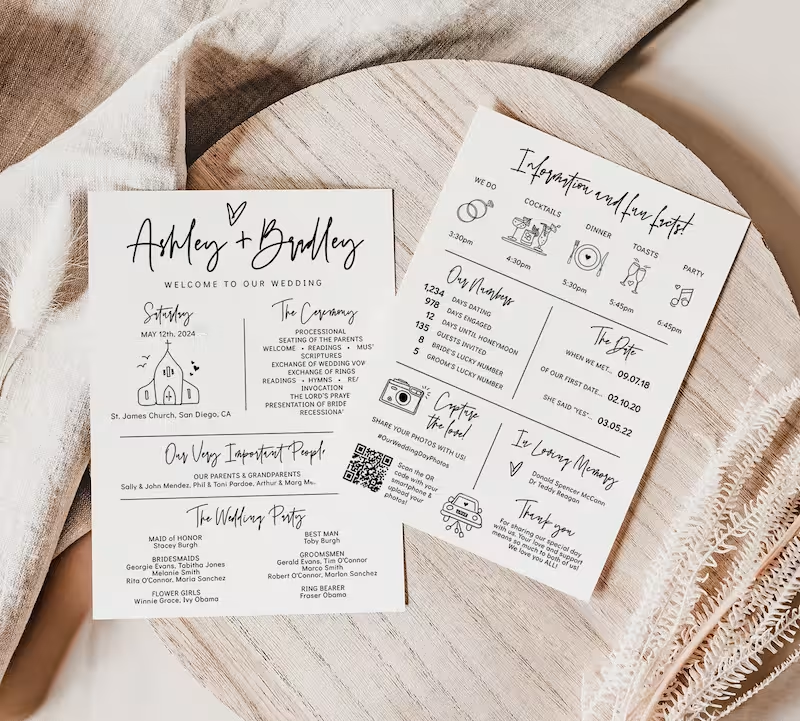
Link to a digital program guests can follow on their phones. Update it the morning of if anything changes.

Guests scan and upload candid shots to your private gallery. The photos you'll never get from any other source.
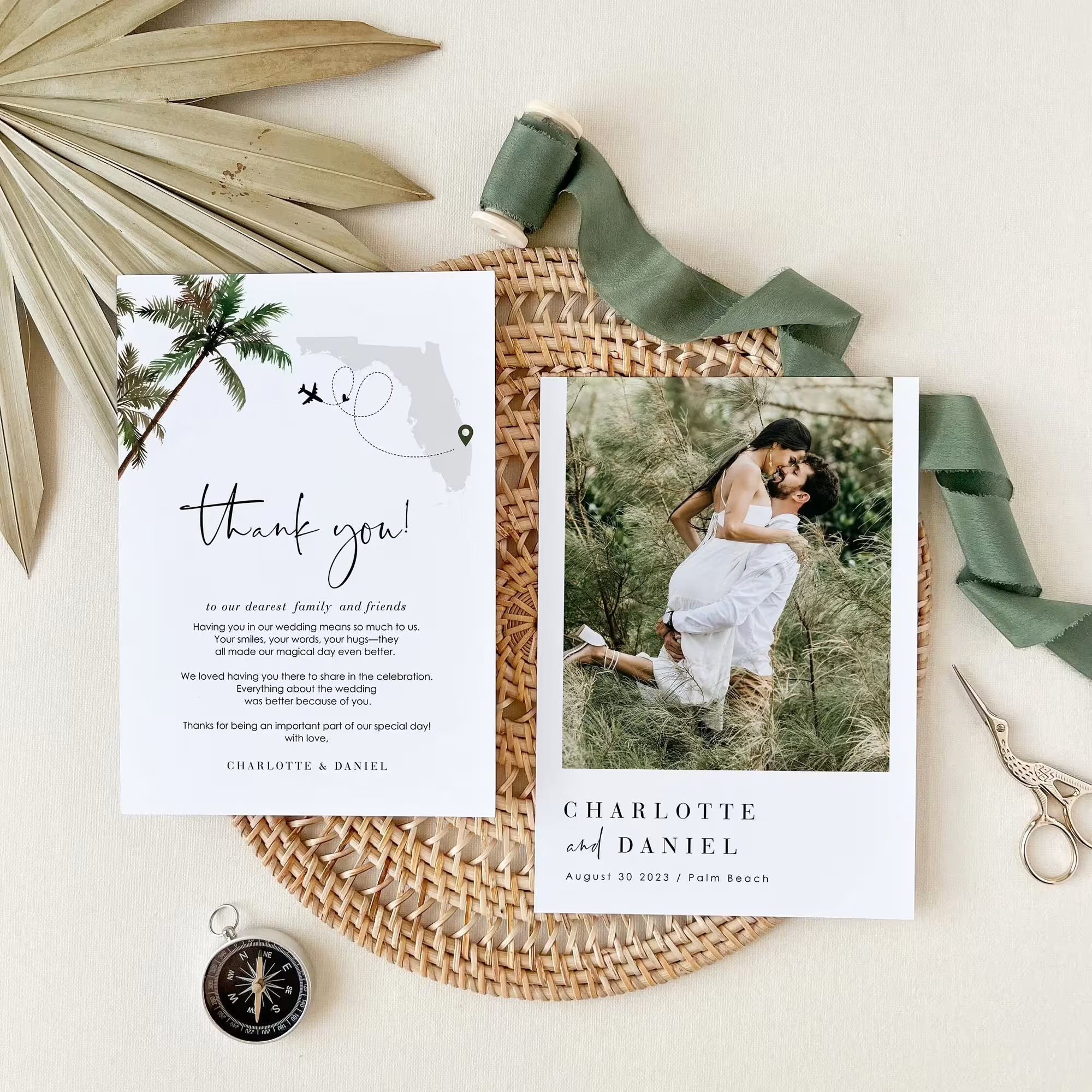
After the wedding, update your QR code to link to a thank-you message, photo highlights, or next-event details.
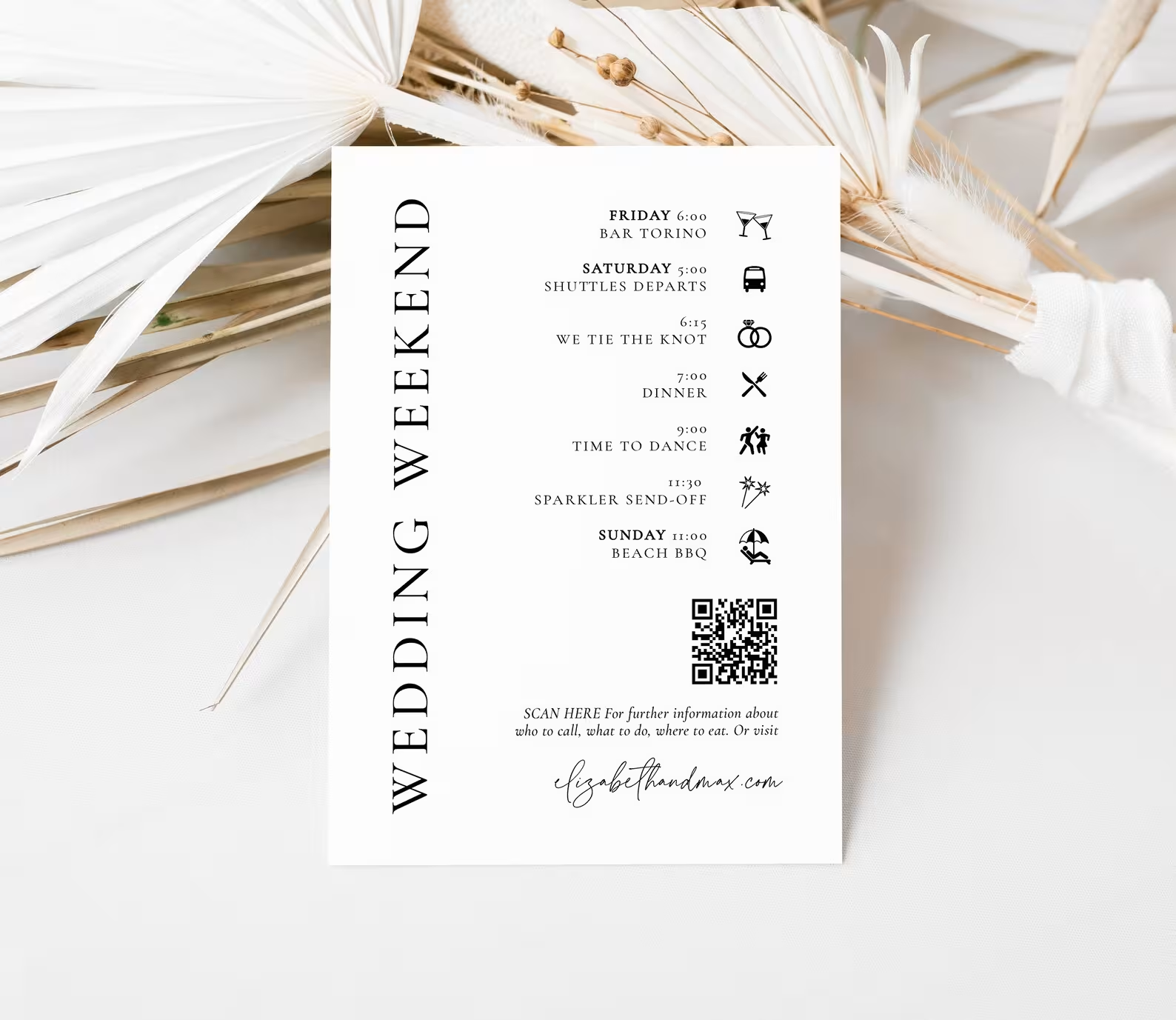
Link to your itinerary, venue map, or shuttle schedule. Essential for destination weddings and multi-day celebrations.

Most platforms treat RSVPs as a standalone feature. Wedibox connects your RSVP to everything else: photos, guestbook, seating, schedule, registry.
Feature
Wedibox

RSVPify
Tiered
The Knot
Basic
WithJoy
Minted
I stopped worrying about RSVPs
I stopped worrying about RSVPs after I set up Wedibox. Our guest list was live, and we had over 90% of responses in just two weeks.

Thalia & Luis, Toronto
Guests had no issues
Our international guests had no issues. Family from Colombia and France RSVP’d easily in their own language.

Amandine & Miguel, Miami
Aim for 6–8 weeks out so replies don’t pile up at once.
Put it on an insert or the back of the invite where it’s easy to spot.
Print it clearly and repeat it on the RSVP page.
“Scan to RSVP” plus the short link for anyone who prefers typing.
Nudge the non-responders instead of texting everyone.
Log verbal replies so your count stays accurate.
Combine online replies and any offline “yeses” in one place.
If responding takes effort, guests will set it aside "for later", and later rarely comes. The easier you make it, the faster RSVP responses arrive.

Respond without apps or logins
Submit from the couch, the train, the office break room
Finish before the excitement of seeing your names fades
Skip the mental note that gets forgotten by tomorrow
The satisfaction of crossing something off immediately
Your RSVP is normally the first interaction with your guests. Wedibox makes sure it's not the last.

Your guests capture moments you'll never see yourself. Give them a way to share those photos and videos directly to your private gallery.

Guests scan, tap yes or no, and they're done. You watch responses roll into your dashboard while everyone else refreshes their spreadsheet for the 40th time.
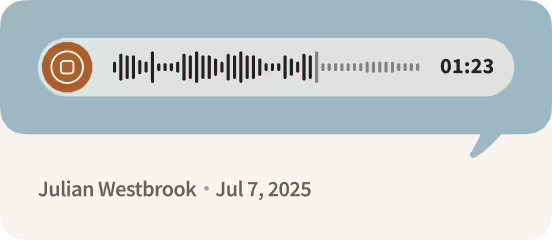
Hear your grandmother's blessing. Your best friend's terrible toast. The voices of people you love, recorded in the moment and saved forever.
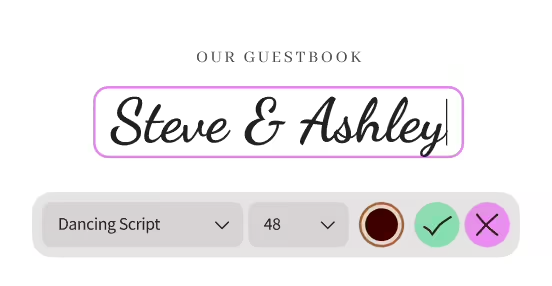
Paper guestbooks get "Congrats! So happy for you!" and a signature. Digital guestbooks get stories. Memories. Inside jokes. Messages guests took time to write.
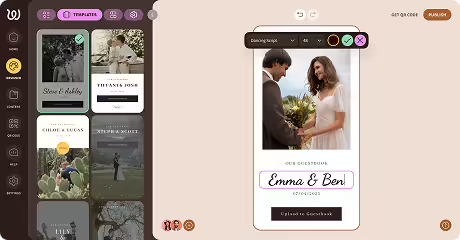
Your schedule lives here. Your love story lives here. Your RSVP link, photo gallery, and every detail guests keep asking about. Guests visit once and find what they need.

Connect your registry so guests can scan and shop. Whether you're registered at one store or five, everything lives behind one QR code.
Yes. Edit questions, update deadlines, adjust wording anytime. The QR code and link stay the same.
Yes. Create separate RSVP sections for your rehearsal dinner, ceremony, reception, and brunch.
Every RSVP page includes a short link you can text or email. Guests choose their preferred method.
Build your RSVP form on Wedibox. Your custom QR code and link generate automatically.



Wedibox gives you a QR code for wedding RSVPs that guests use. Spend your engagement planning your wedding instead of chasing replies.
Build your RSVP form in minutes
Share a QR code guests scan instantly
Track responses, meals, and plus-ones
Export your list for vendors
Connect RSVPs to photos, guestbook, and seating
Keep everything private and organized