how it works
features
Photo SharingAlbumsDigital GuestbookAudio GuestbookSeating ChartShared PlaylistLive SlideshowRSVPRegistry SharingWedding Website
designs
Wedding Website TemplatesQR Code Sign Templates
resources
Made For WeddingsAbout UsBlogAffiliate ProgramVideo TutorialsContact Us
pricing

log in

Try Free Demo

how it works
features
Photo SharingAlbumsDigital GuestbookAudio GuestbookSeating ChartShared PlaylistLive SlideshowRSVPRegistry SharingWedding Website
designs
Wedding Website TemplatesQR Code Sign Templates
resources
Made For WeddingsAbout UsBlogAffiliate ProgramVideo TutorialsContact Us
pricing

log in

Try Free Demo

Your Step-by-Step Guide to Wedding QR Codes That Collect Everything

The easiest way to collect wedding photos from guests. One QR code gives everyone access to your private gallery, RSVP form, guestbook, and more.

View the Step-by-Step Guide

Takes less than 5 minutes

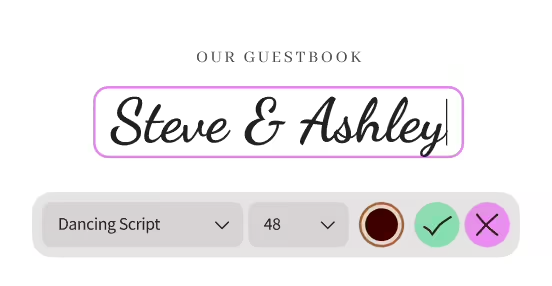
Set Up Your Website

1

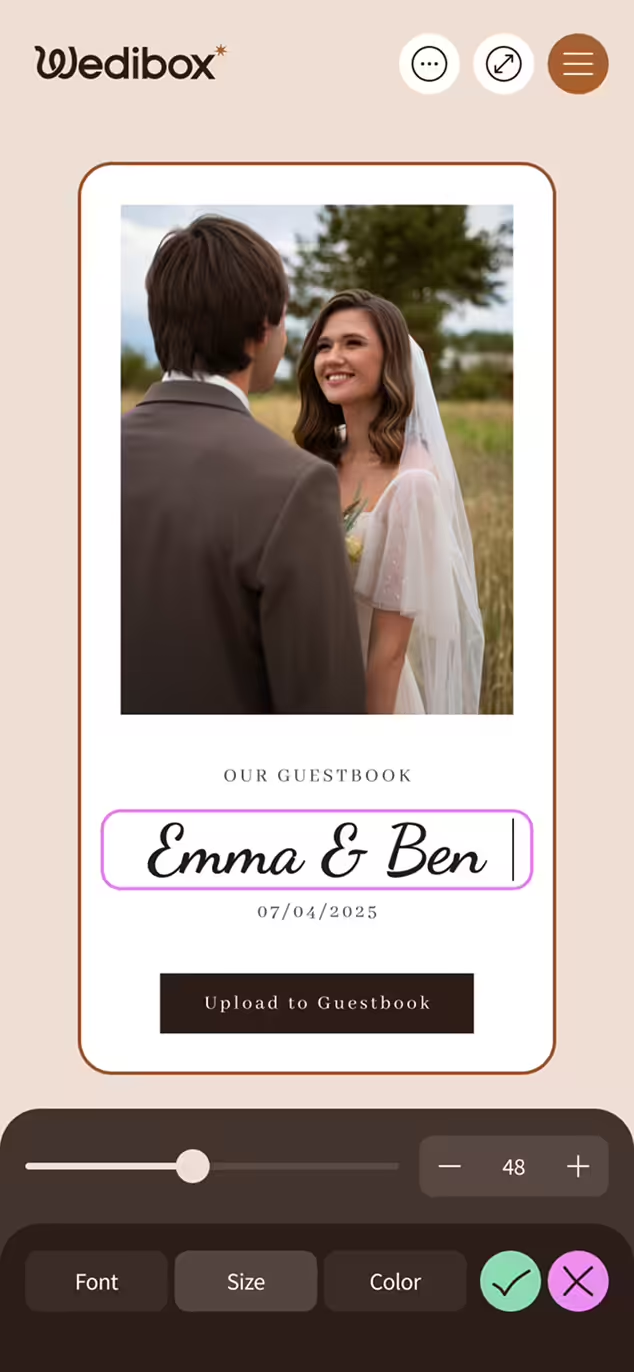
Pick a beautiful template and customize your wedding website with your story, photos, and details — no tech skills required.

Digital guestbook entry displaying the names Steve & Ashley in Dancing Script font size 48, with options to confirm or cancel the input.

Explore Website Templates

Share Your
QR Code

2

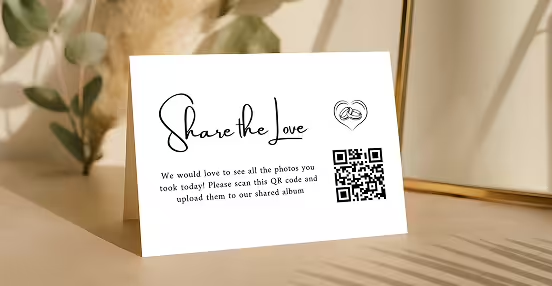
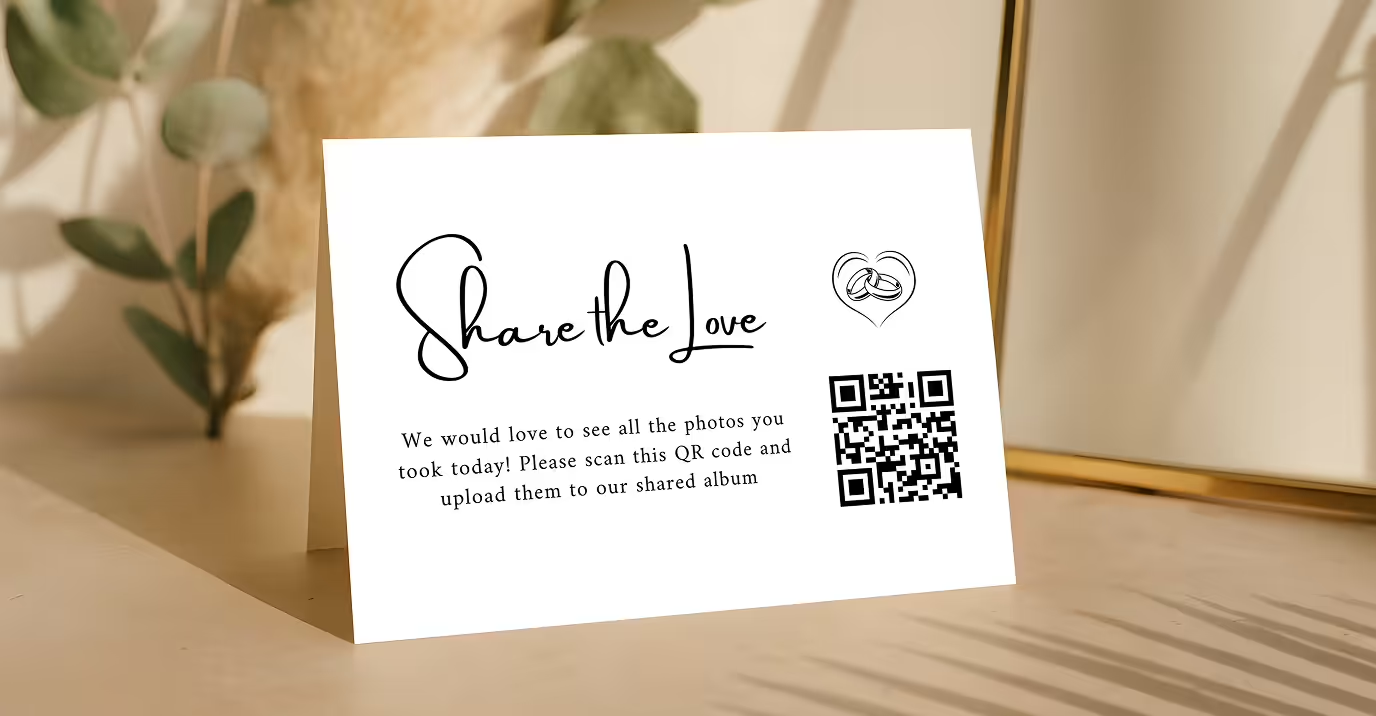
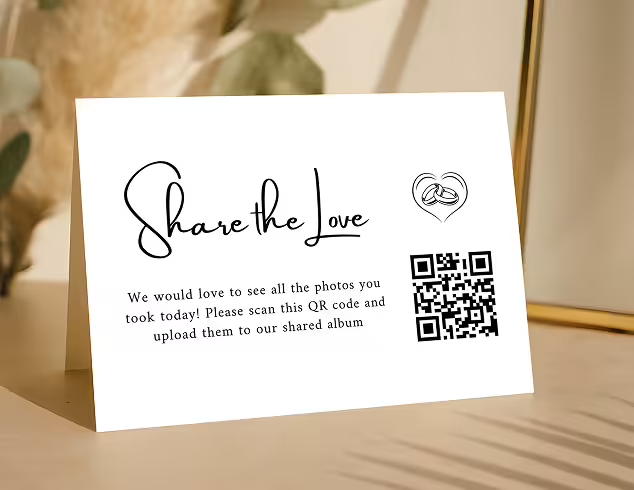
Print your QR code or order table signs and mini cards from Wedibox. Place them at your wedding or share them ahead of time — guests simply scan to join in.

A white card on a wooden surface with text 'Share the love,' a small heart illustration with two hands, a QR code, and a message asking to scan and upload photos to a shared album.

Explore QR Designs

Collect Guest
Memories

3

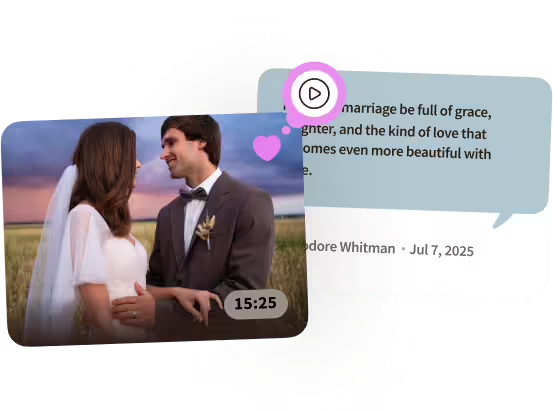
Photos, RSVPs, audio messages, and videos flow into your Wedibox instantly and privately. Everything stays organized and easy to revisit after the celebration.

Bride and groom in wedding attire looking at each other outdoors during sunset with a video play icon and a partial testimonial quote in the background.

Try Free Demo

How to Use Wedibox from
Start to Finish

Create Your Account

Create Your Event

Design Your Website

Set Up Website Features

Download & Print Your QR Code

Display the QR Code at Your Wedding

Display the QR Code

Guests Scan & Upload

View, Manage & Download Everything

View, Manage & Download

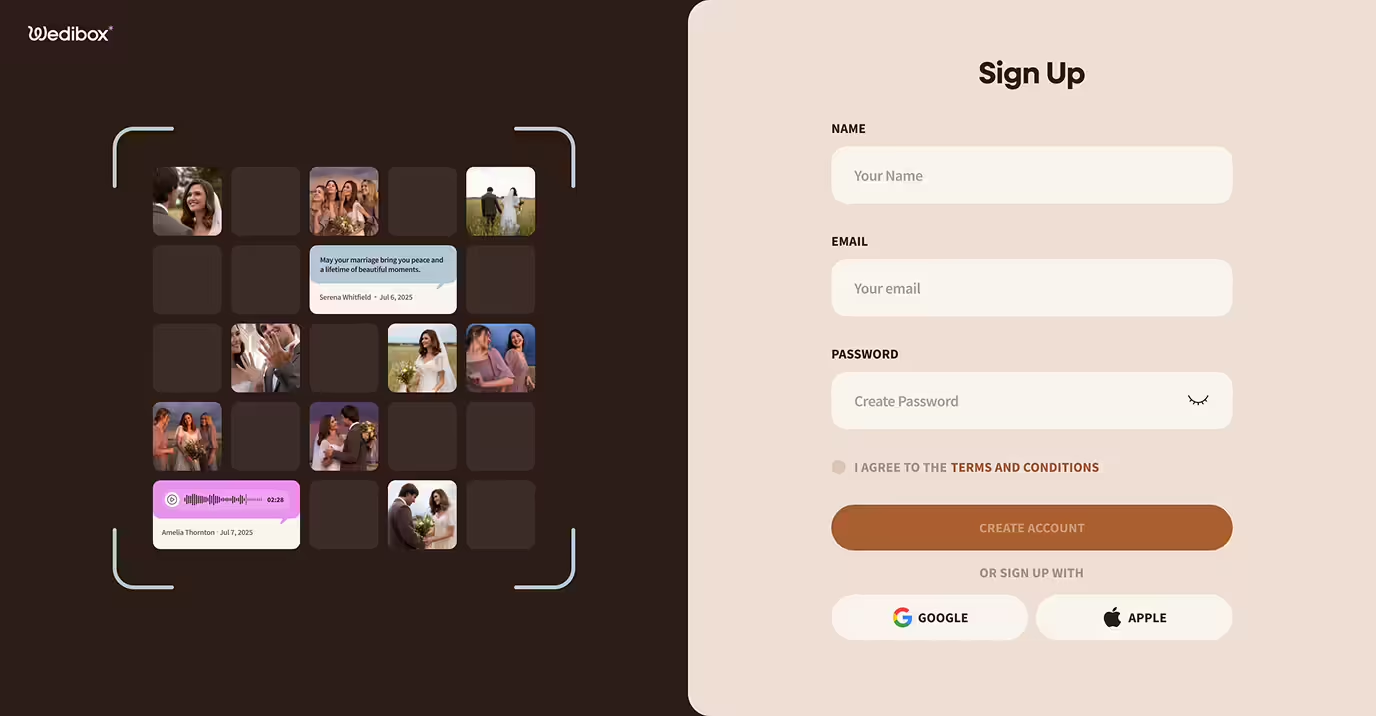
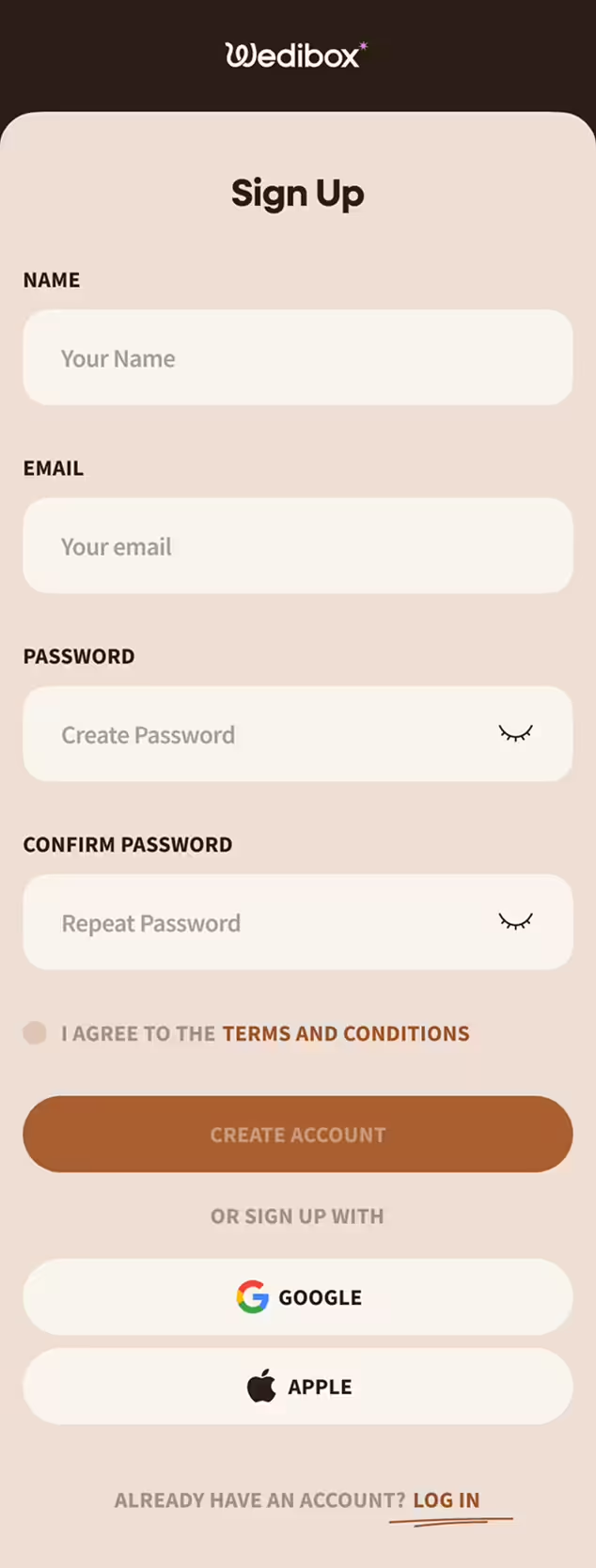
Create Your Account

Create Your Account

Sign up in seconds with your email or Google account — no credit card required to start.

Sign up in seconds with your email or Google account — no credit card required to start.

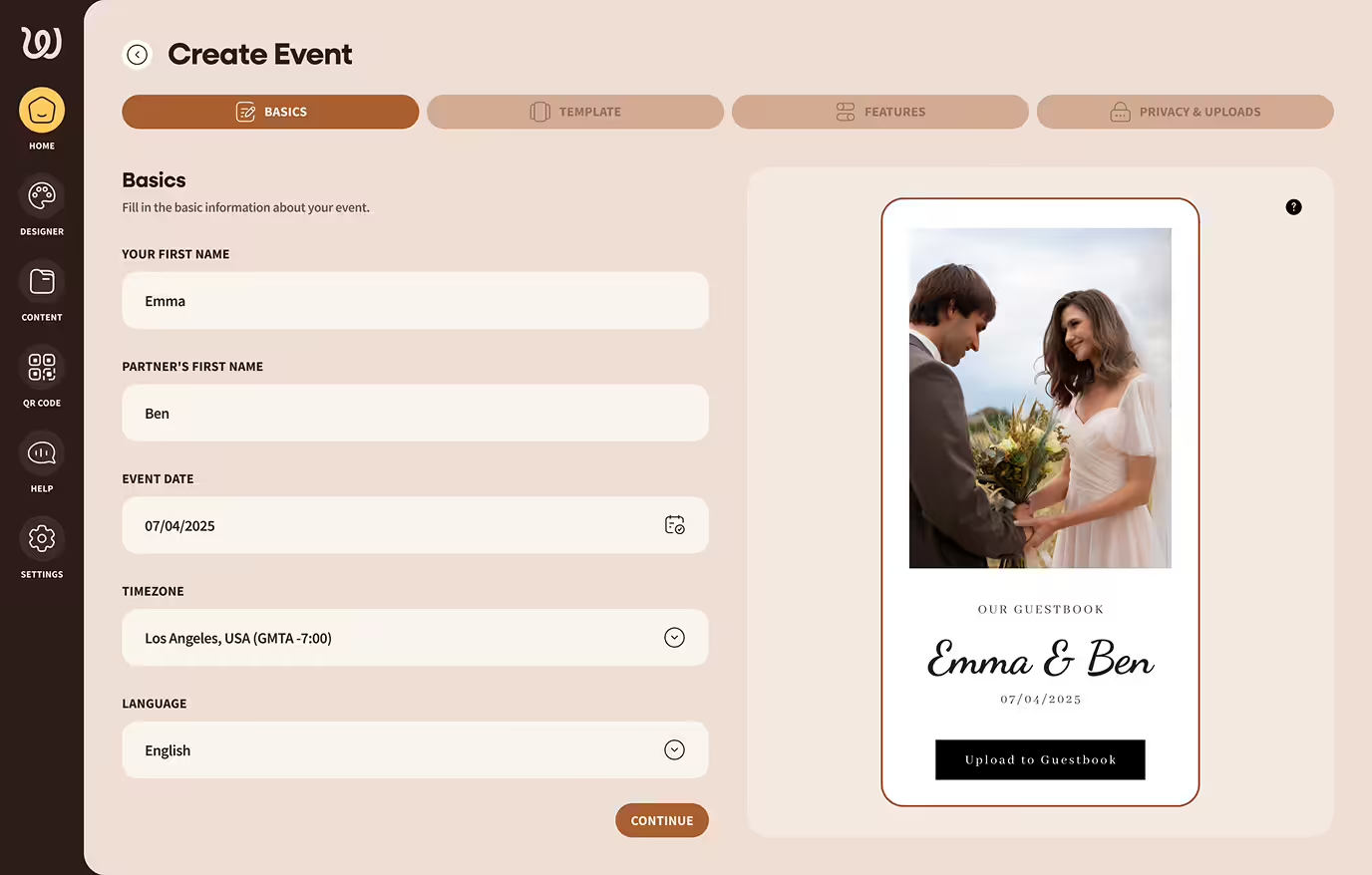
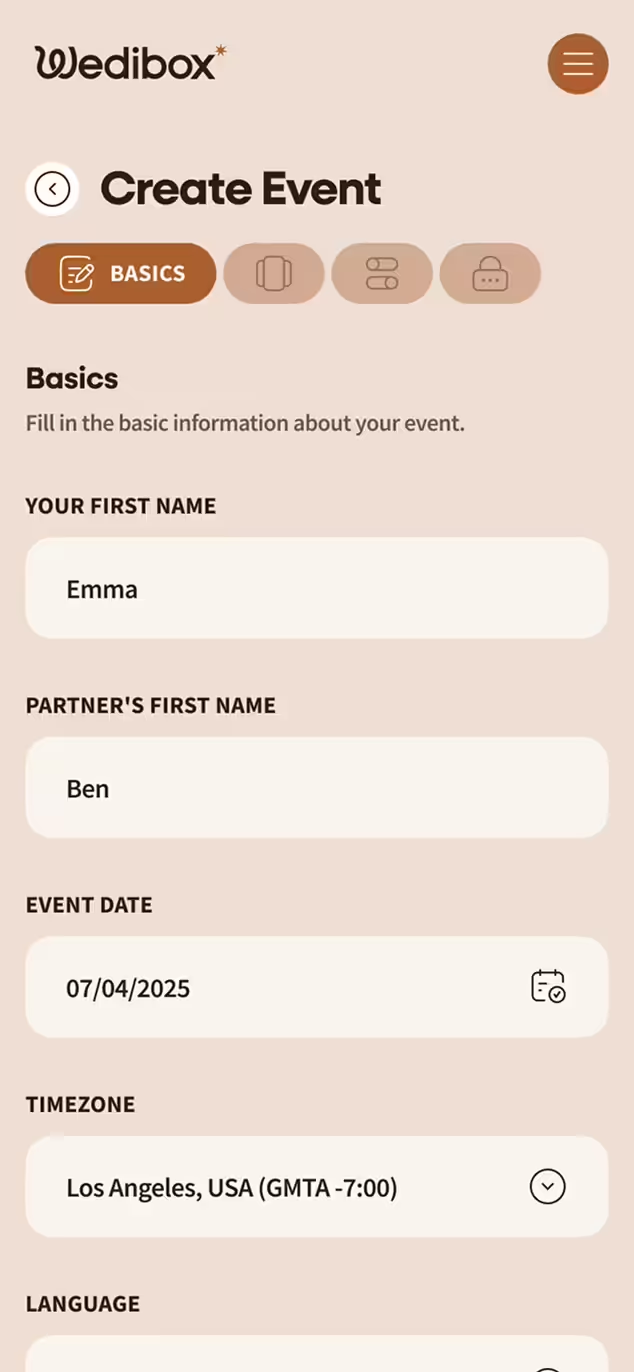
Create Your Event

Create Your Event

Name your event, set the date, and choose your website's language. Your Wedibox is now ready to be customized.

Name your event, set the date, and choose your website's language. Your Wedibox is now ready to be customized.

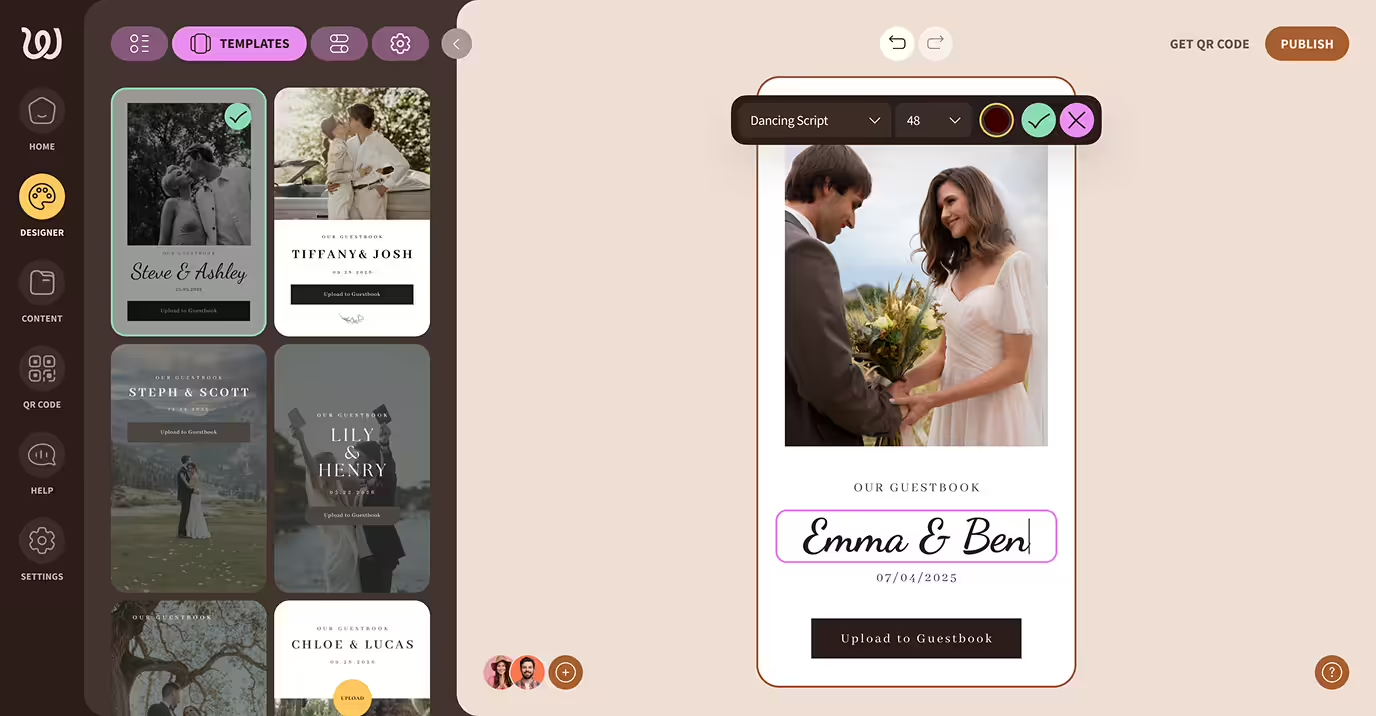
Design Your Website

Design Your Website

Upload a cover photo, choose your template and colors to match the vibe of your wedding day. It’s easy and fully customizable.

Upload a cover photo, choose your template and colors to match the vibe of your wedding day. It’s easy and fully customizable.

Set Up Website Features

Set Up Website Features

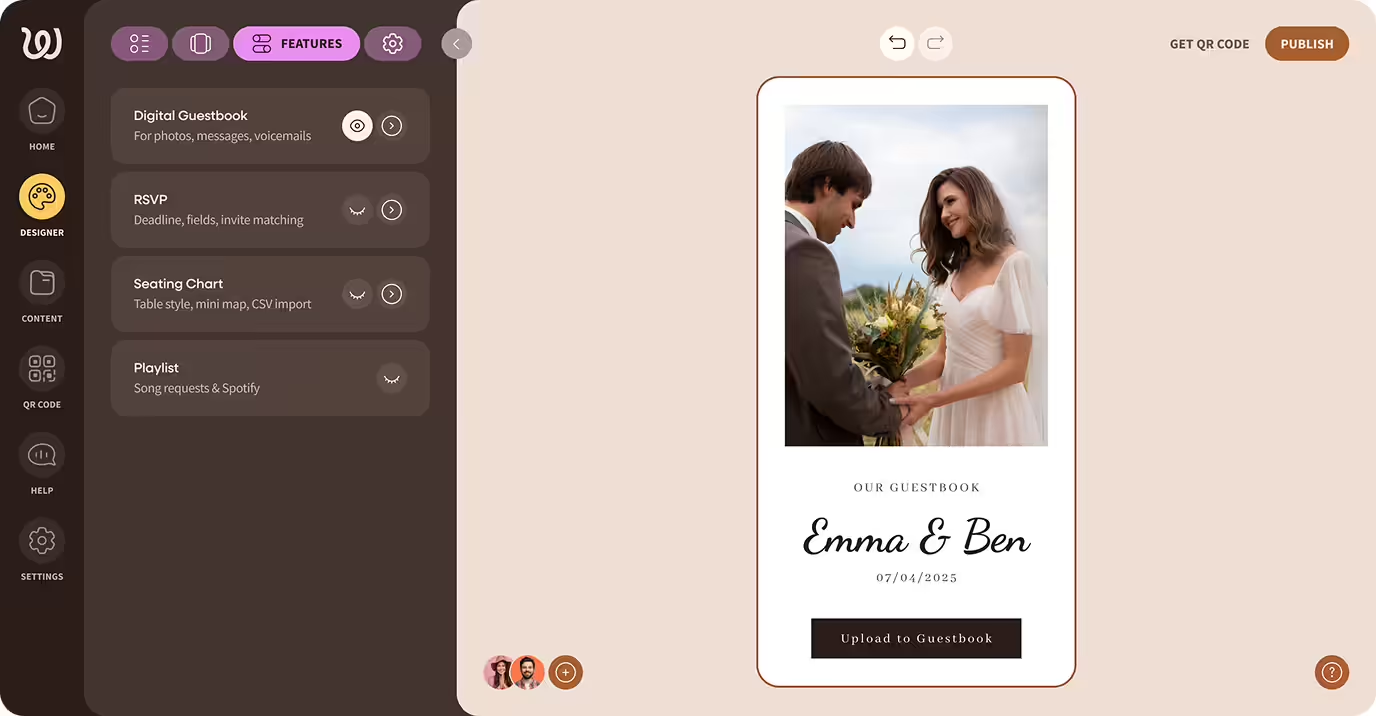
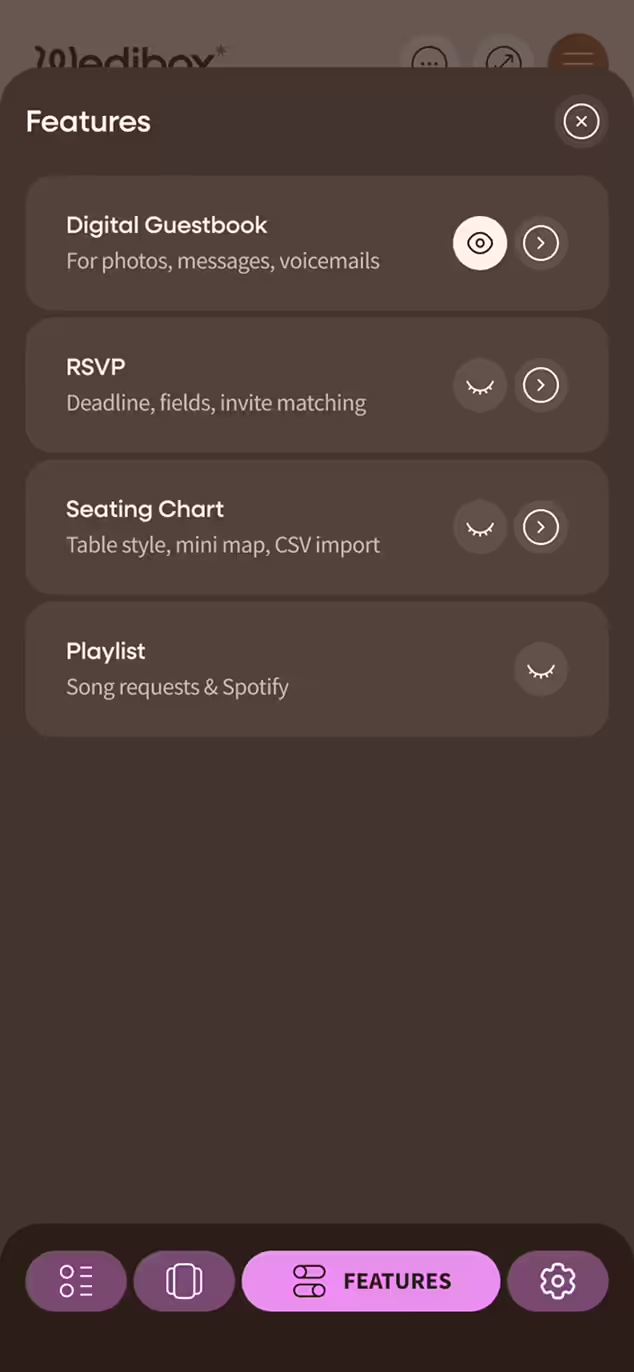
Toggle on what matters to you — RSVP form, digital guestbook, seating chart, registry link, love story timeline, and more.

Toggle on what matters to you — RSVP form, digital guestbook, seating chart, registry link, love story timeline, and more.

Download & Print Your QR Code

Download & Print Your QR Code

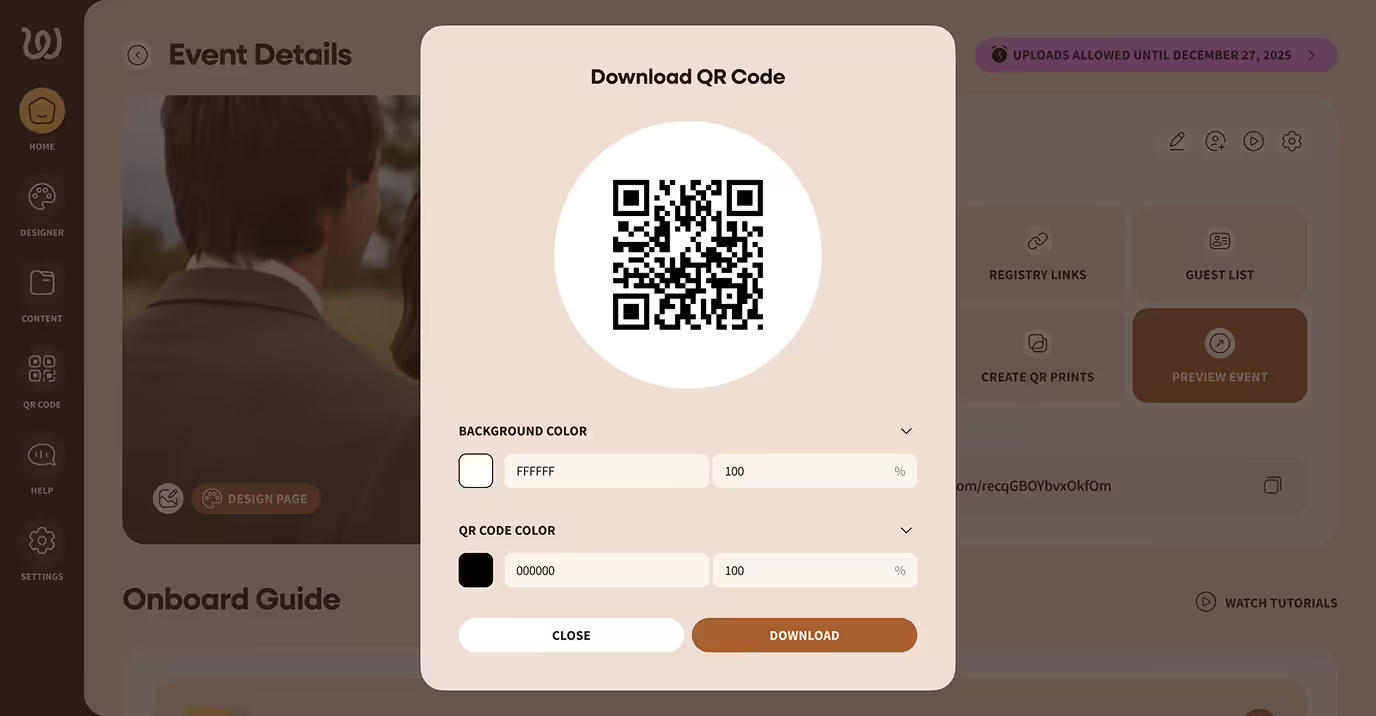
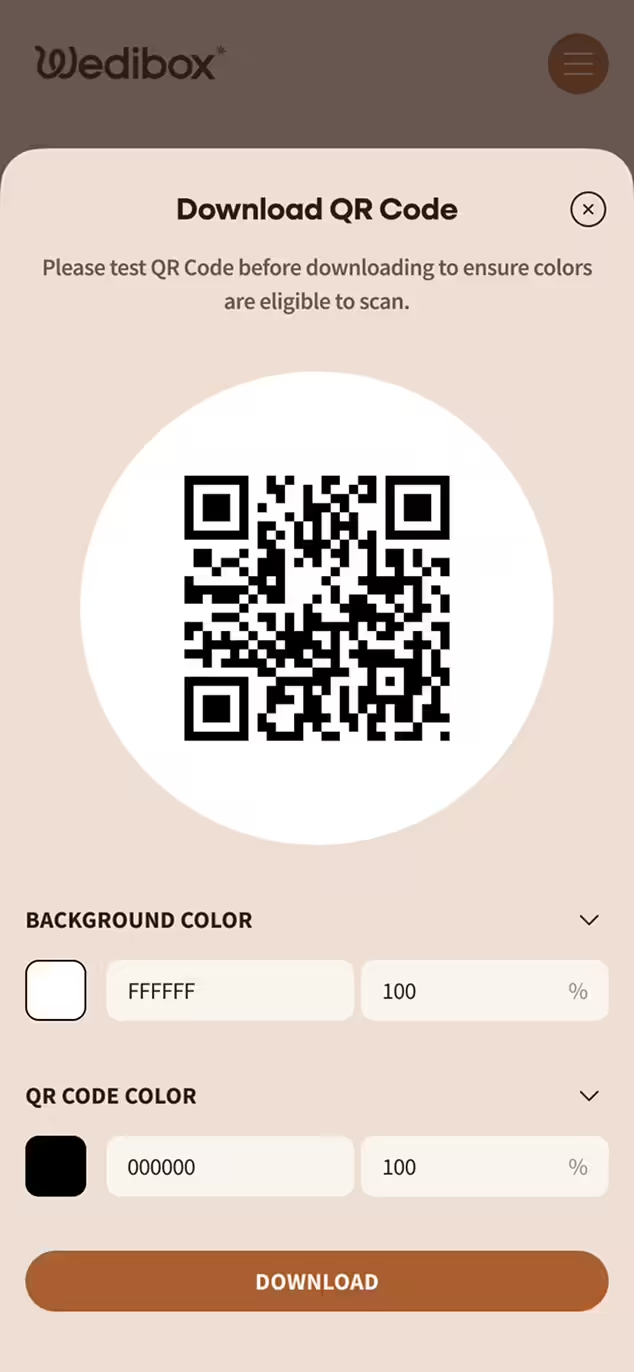
You will have the option to download a copy of your QR Code, access our Canva wedding templates, or use Wedibox's design generator to print your QR Code

You will have the option to download a copy of your QR Code, access our Canva wedding templates, or use Wedibox's design generator to print your QR Code

Display the QR Code at Your Wedding

Display the QR Code

Display the QR Code at Your Wedding

Place your QR code at the welcome table, bar, guestbook station, or dinner tables — wherever guests will see it.

Place your QR code at the welcome table, bar, guestbook station, or dinner tables — wherever guests will see it.

Guests Scan & Upload

Guests Scan & Upload

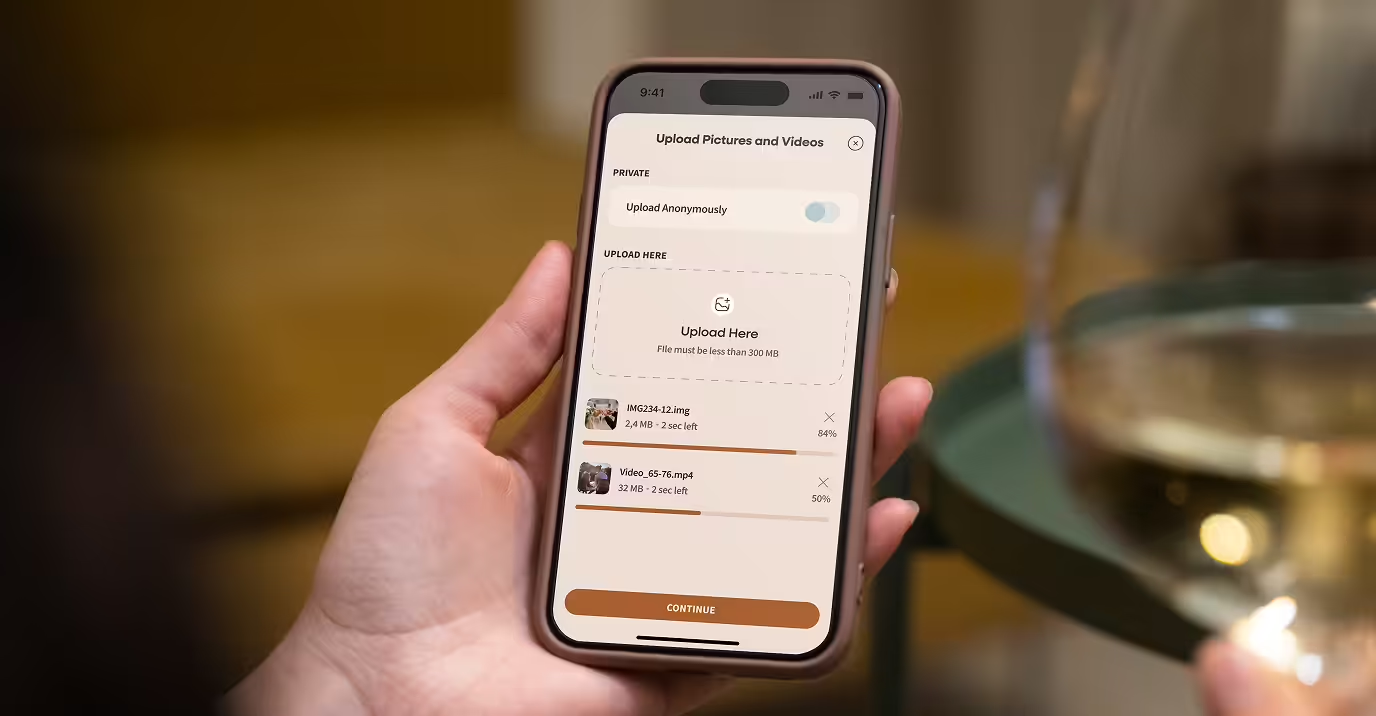
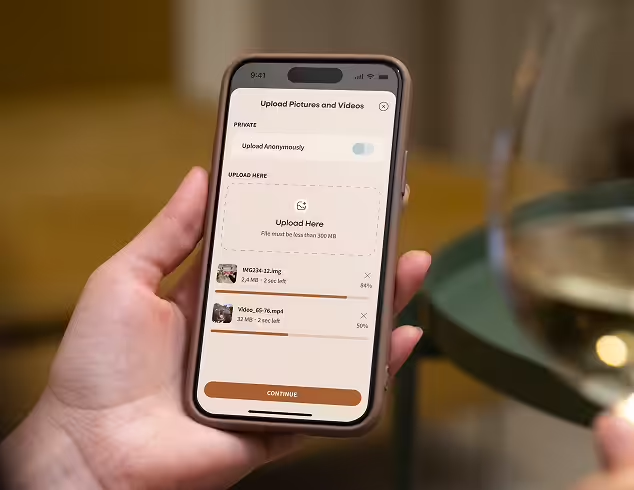
Guests simply scan the QR Code with their phone to open your website. No app, no sign-in —just instant photo, video, and message sharing.

Guests simply scan the QR Code with their phone to open your website. No app, no sign-in —just instant photo, video, and message sharing.

View, Manage & Download Everything

View, Manage & Download

View, Manage & Download Everything

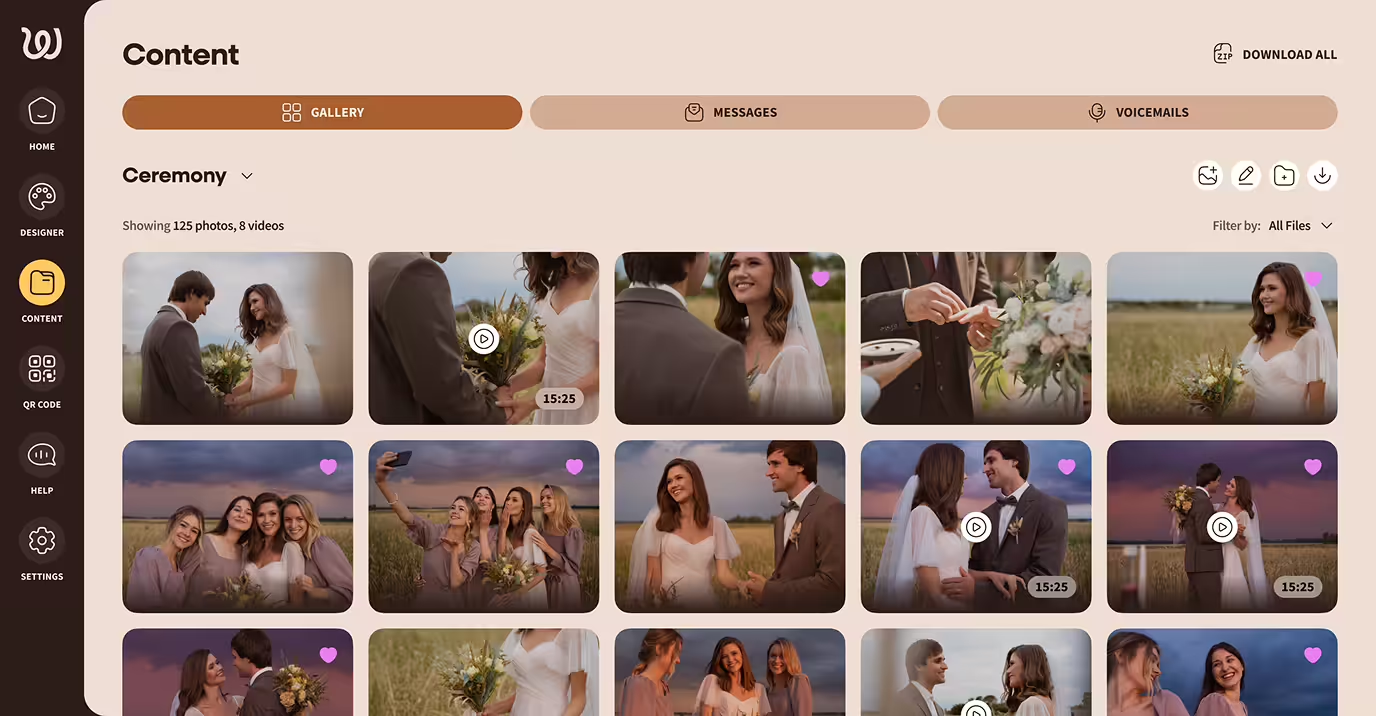
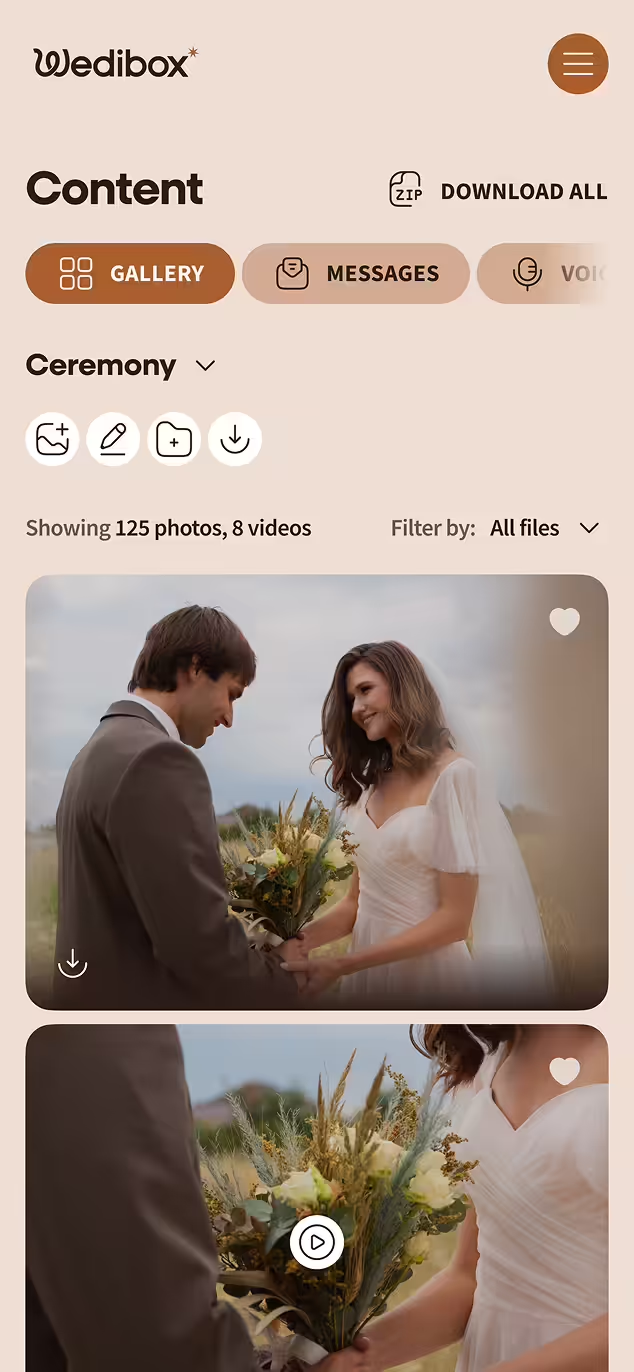
Access all your memories in one place. Download your content, upgrade features, or order a keepsake USB after the big day.

Access all your memories in one place. Download your content, upgrade features, or order a keepsake USB after the big day.

Get Started Free

Why Couples Love Wedibox

It’s more than just a photo tool — it’s peace of mind, preserved memories, and guest magic in one.

Table sign with text 'PICS OR IT DIDN'T HAPPEN', a camera illustration, a QR code labeled 'SCAN + SHARE YOUR PHOTOS', and wedding details of Sophia and Timothy dated 19.04.2026 in Monterey, CA, next to a white rose and empty wine glasses.

One QR Code for Everything

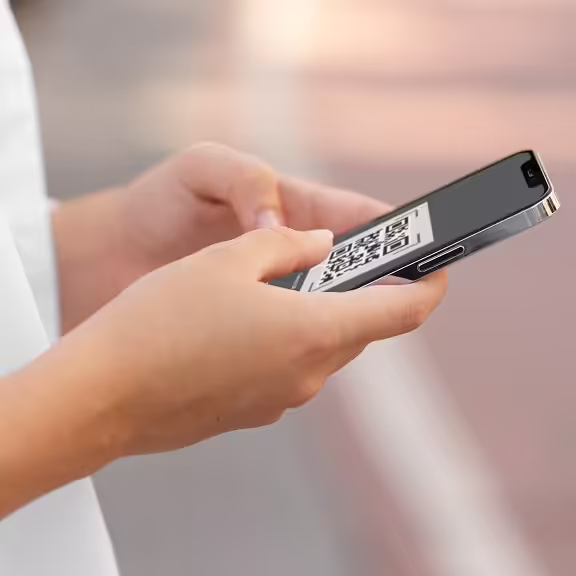
From RSVPs and seating charts to your registry and guest uploads — your custom wedding QR code does it all. One scan, no confusion.

Person holding a smartphone displaying a QR code on the screen.

No App. No Limits. No Stress

Guests don’t need to download an app or create an account — just scan and share. You’ll get unlimited photos, videos, and messages from as many guests as you’d like, all in one easy-to-use platform.

Groom in black tuxedo gently dipping bride in white wedding gown as they gaze into each other's eyes.

Real Emotions, Not Just Selfies

Let your guests do more than snap a pic. They can leave audio messages, write heartfelt notes, and share candid moments you’d otherwise miss.

Smiling young couple lying on a bed looking at a smartphone together.

No More Chasing People Down

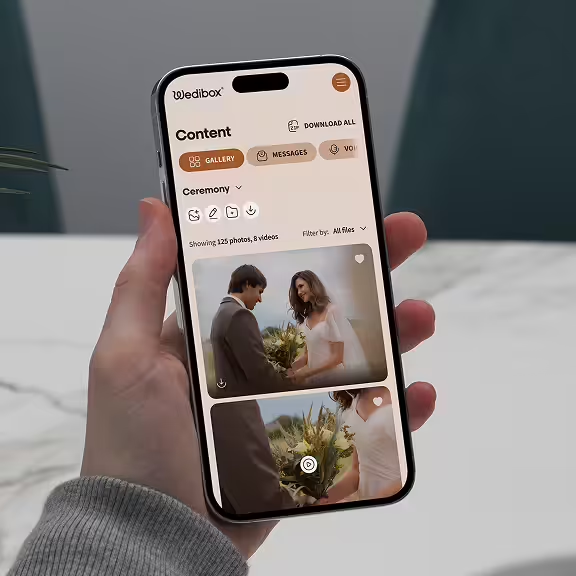
Forget group chats and email threads. With Wedibox, every guest’s photo, RSVP, and message goes straight to your wedding website — no follow-ups needed.

Hand holding a smartphone displaying a wedding content gallery with photos and videos of a couple exchanging flowers.

Private, Secure, and Stress-Free

Unlike social media or shared albums, Wedibox keeps your memories safe and guest-only. No public links, no oversharing, no worries.

Still Have Questions? We’ve Got You

How do guests share wedding photos with a QR code

Guests point their phone camera at the QR code, tap the link, select photos, and upload. The entire process takes under 15 seconds.

Are wedding photo QR codes worth it?

Yes. QR codes collect 3-5x more guest photos than other methods like hashtags. Guests scan and upload instantly without downloading apps or creating accounts.

What is the best QR code for wedding pictures?

Wedibox is trusted by 100,000+ couples for wedding QR codes. It collects photos, RSVPs, and guestbook messages in one place—no app required for guests.

How do I create a QR code for my wedding photos

Sign up for Wedibox, create your event, and your custom QR code generates automatically. Download it or order printed signs—setup takes under 5 minutes.

Ready to Capture Every Moment of Your Wedding?

Create your Wedibox in minutes and start collecting memories your guests will love to share.

Get started free

Still Wondering If It's Right for You?

Explore all features or reach out to us — we're here to help.

Main

  • Pricing
  • how it works
  • Partner Program
  • Made For weddings
  • Blog
  • reviews

Company

  • About Us
  • Contact Us
  • Cookie Policy
  • Cookie settings
  • Terms & Conditions
  • Privacy Policy
Wedibox logotype light

© 2026 Wedibox LLC All rights reserved

Your Cookie Preferences

We use cookies to ensure the proper functioning of our website and to provide you with the best possible user experience. Cookies help us understand how visitors interact with our site, allowing us to analyze traffic, improve performance, and remember your preferences. Some cookies are used to deliver personalized advertisements tailored to your interests. You can choose to accept all cookies, reject unnecessary ones, or customize your preferences at any time. For more information about the types of cookies we use and how we process your data, please review our Cookie Policy and Privacy Policy.

Accept All

Reject All

customize Cookies

Choose Your Cookies

Necessary (always active)

Essential for site functions like login and cart.

Analytics

Show us what’s popular to improve the site.

Marketing / Ads

Help display relevant offers and ads.

Functional / Preferences

Remember choices like language.

Reject All

Accept All

Save my choices

Your Request Has Been Saved

Your personal information will not be sold.

Undo

OK

Let's Get Started

Your wedding QR code for everything that matters.

Thanks for Your Message, John

We’ll contact you soon to explore opportunities.

Oops! Something went wrong while submitting the form.

Error:

Continue

Already have an account? Sign In or Try Our Demo